MM-IM User Guide
59
Key configuration points to note for the MM-IM are:
■ The type is “MEDINA4” – The MM-IM communicates using the Medina protocol with
enhanced features for the MM4 family of RTU’s.
■ The PSTN type must match the modem connected to the MM-IM (or a compatible variant –
e.g. V34/V22bis will work with the MM-IM’s internal V92 modem).
■ The media can be a combination of Fixed/PSTN/IP
■ The PSTN STD code and telephone number are the details for the MM-IM being configured.
Creating points
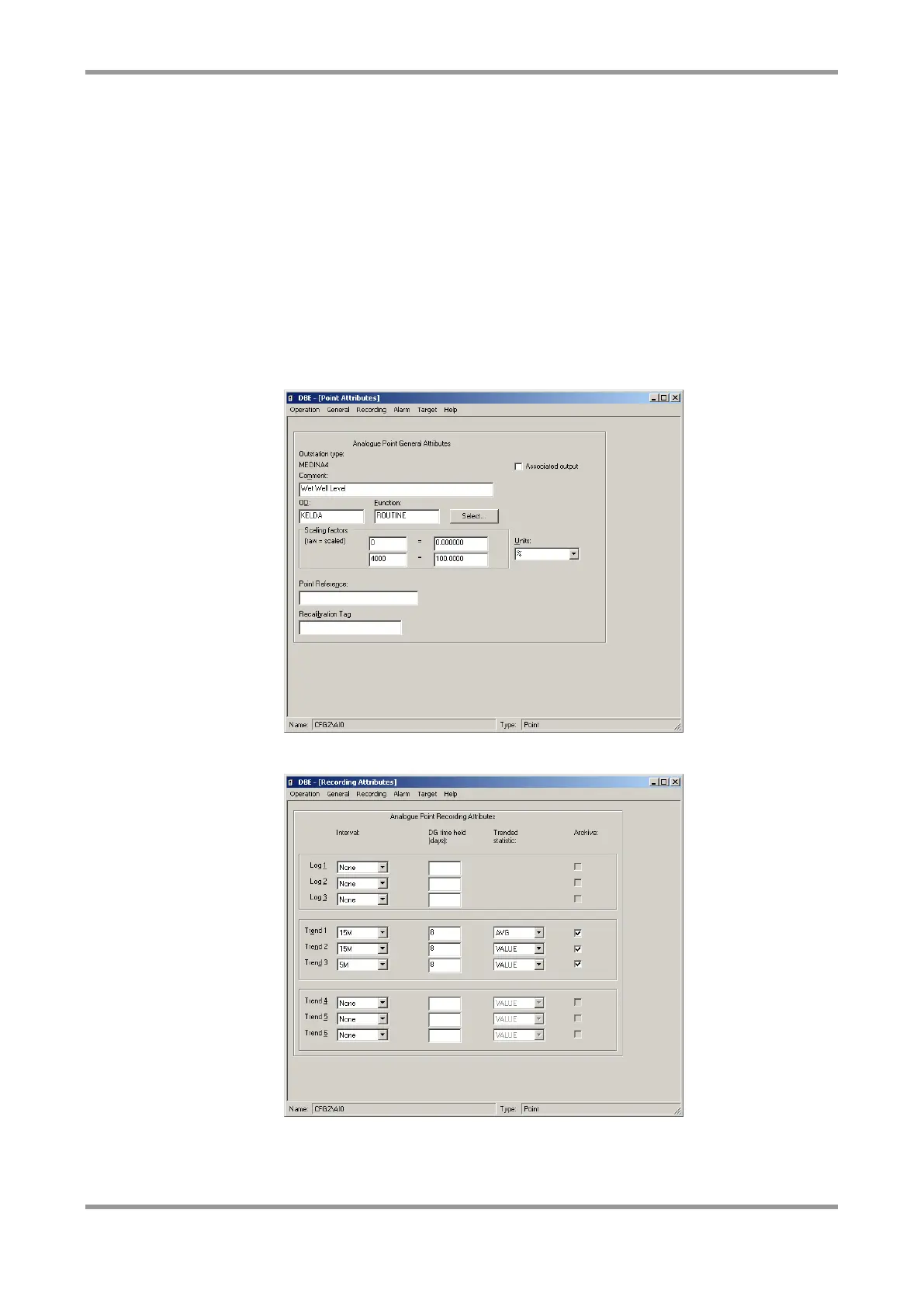
Points are configured for MM-IM RTU’s just as for any other Medina RTU, using the three
screens in DBE’s create point option: General, Recording and Alarm.



 To Next Page