MM-IM User Guide
32
Name of the local point linked to the remote point
Name of the point on the remote outstation (e.g. “DID1”)
Frequency of the exchange expressed in seconds
between 0 and 65,535. 0 seconds will make the point
update as fast as possible.
IP Configuration
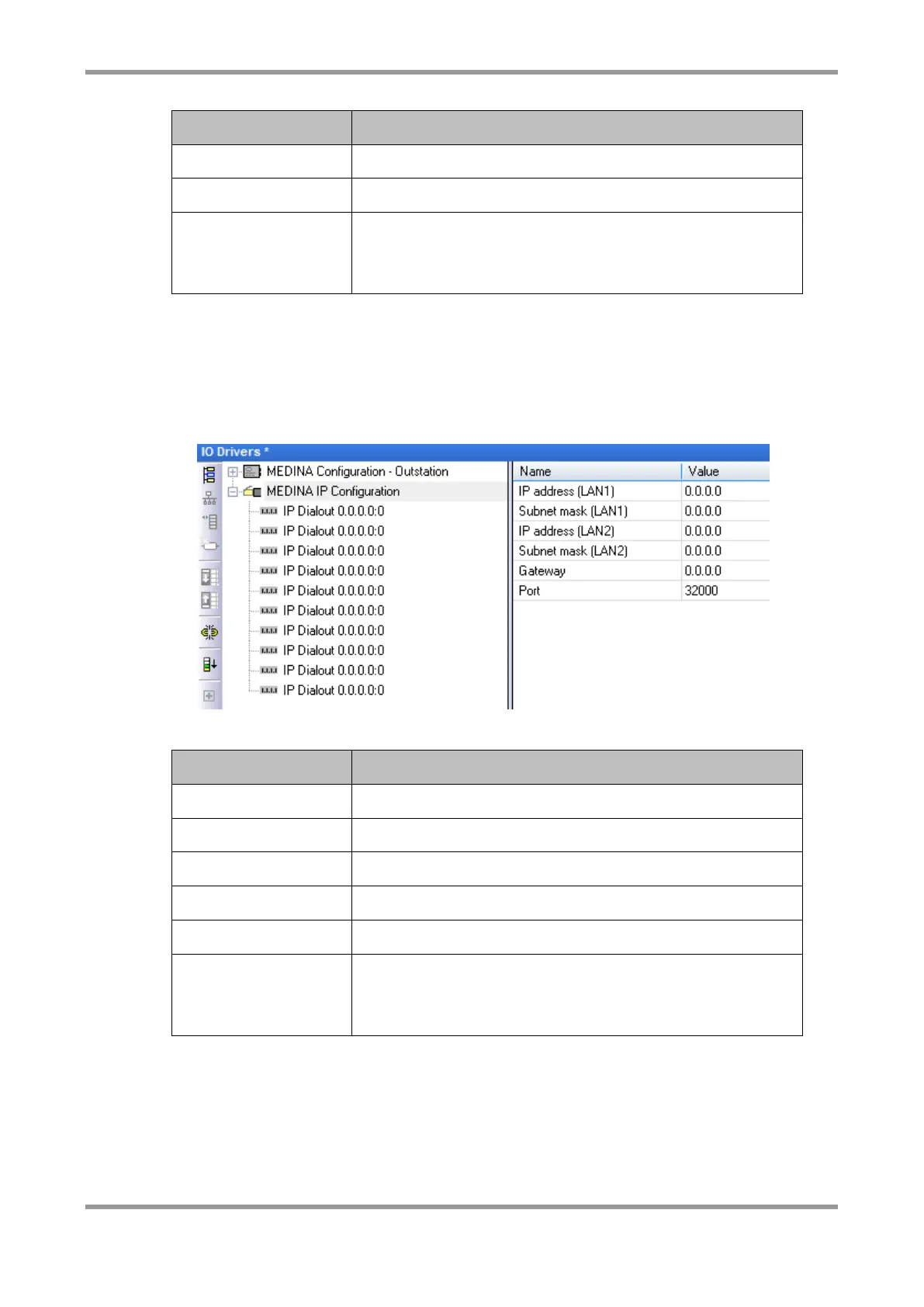
If you wish to enable the MM-IM for IP communication, you need to insert the “MEDINA IP
Configuration”. In here, you can configure the IP address and subnet mask of both of the
on-board Ethernet adaptors. Leaving the IP address and subnet mask as zeros will not
configure that device.
IP Address for the on-board Ethernet adaptor
Subnet mask for the on-board Ethernet adaptor.
IP Address for the second Ethernet adaptor
Subnet mask for the second Ethernet adaptor
An optional gateway address
The port number that the MM-IM listens on for incoming
Medina connections. This does not normally need to be
changed.
Underneath the IP configuration, there is the option to specify up to ten IP Dialout
addresses. If configured, these should be the IP addresses and port numbers of the
Master Control servers (DGs) that the MM-IM’s set is present on. However, the addresses
are over-written during the power-up sequence with the address(es) of the DG(s) on which
the RTU is configured. You can omit this part of the configuration, and the RTU will
automatically be configured for IP Dial in once it has been in communication with Master
Control. The RTU must, of course, have “IP” media set up on Master Control for this to
work.



 To Next Page