MM-IM User Guide
44
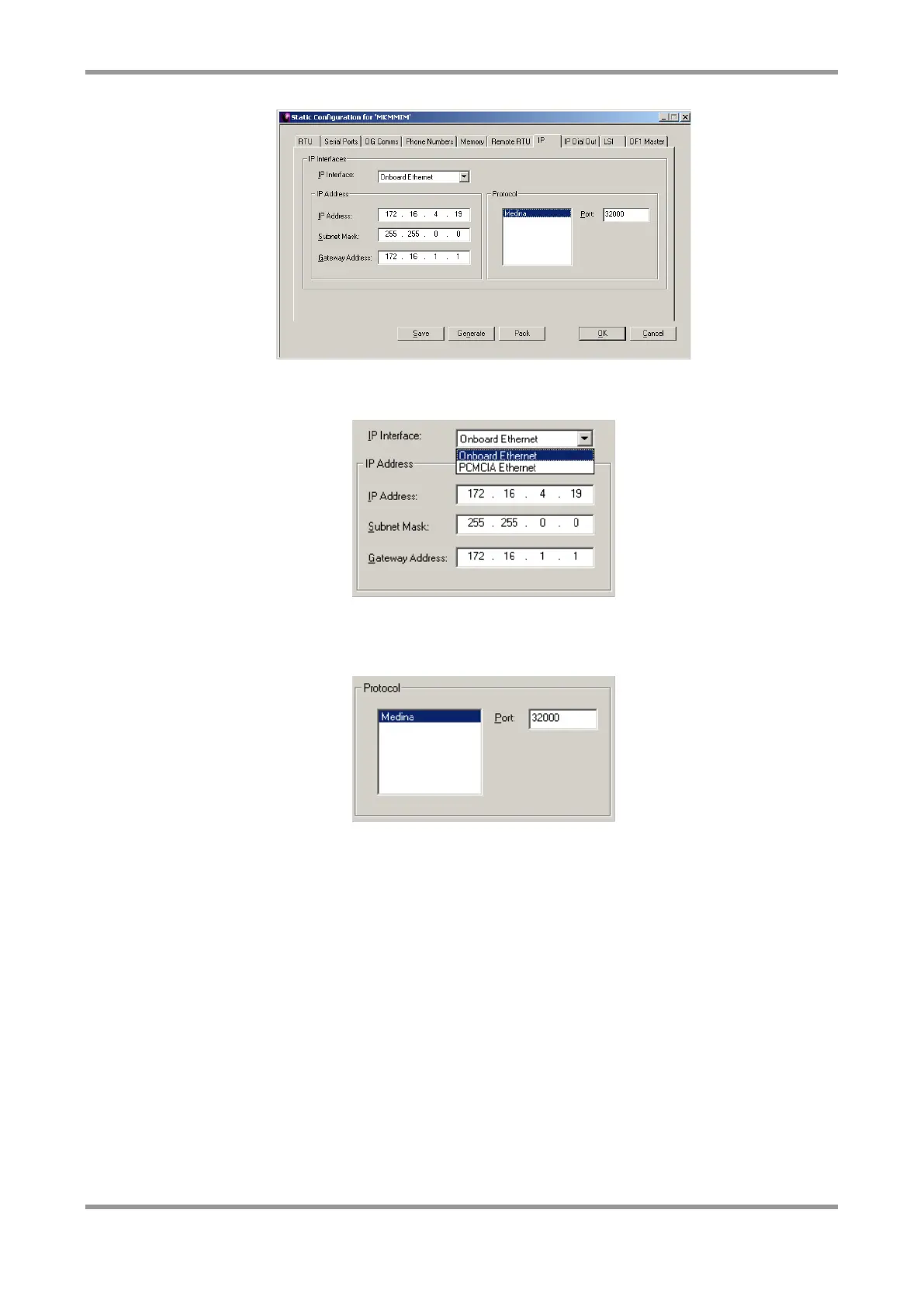
Enter a valid IP address, subnet mask and gateway address. The PCMCIA adaptor refers to
the second on-board Ethernet port
You can change the port number that the MM-IM listens on for incoming connections from
Master Control. All Medina RTU’s on a Master Control system will listen on the same port.
Usually this default value does not need to be changed
Note: Entering an IP address and subnet mask as 0.0.0.0 will result in leaving the MM-
IM configured with its default IP address (LAN1: 192.168.1.1, subnet mask
255.255.255.0, LAN2: 192.168.2.1, subnet mask 255.255.255.0).
IP Dial Out
The MM-IM can use IP communication to contact Master Control. This screen is used to
set up the IP addresses and port numbers of the Master Control servers.



 To Next Page