MM-IM User Guide
39
Creating an MM-IM configuration
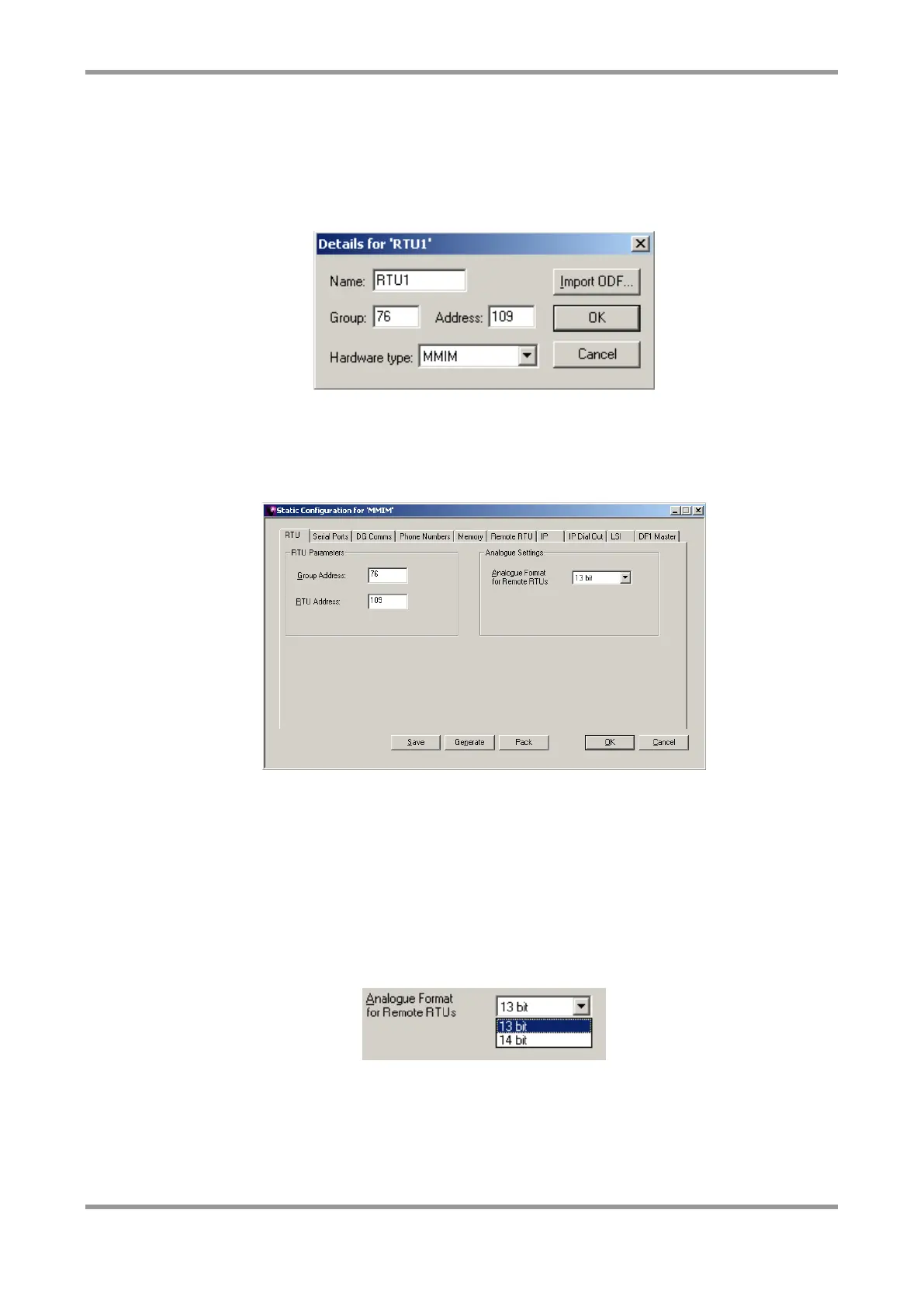
Create a new RTU by selecting “RTU” and “New” from the main menu. Then select “MM4”
and click OK. In the box that is displayed, enter a name and telemetry address for the
RTU. Select “MMIM” for the hardware type.
RTU
The MM-IM configuration revolves around a main screen as shown below. This is accessed
by selecting “Configure” and “Configuration” from the main menu.
As a minimum the MM-IM needs:
■ A valid address, i.e. in the range 4-255, default 4,4
■ A suitably configured serial port or IP address
■ The RTU section contains the basic information about the RTU; the address (eg 76,109 in
this case)
■ The analogue format for remote RTU’s.
To change the analogue format select the pull down list. The options are 13 bit
(AWS/DCC) or 14 bit (YWS/FDWS).
Note: The analogue format setting only matters if the MM-IM will communicate with
remote RTU’s or other Medina devices using LSI or DSM



 To Next Page