MM-IM User Guide
45
Note: The information on this screen is similar to that on the “phone numbers” screen
– the addresses are over-written during the power-up sequence with the address(es) of
the DG(s) on which the RTU is configured. You can omit this part of the configuration,
and the RTU will automatically be configured for IP Dial out once it has powered up
with Master Control. The RTU must, of course, have “IP” media set up on Master
Control for this to work.
Note: MicroMC can only configure up to two IP addresses. If a greater number need to
be configured, then Straton configuration must be used, which supports up to 10 IP
addresses.
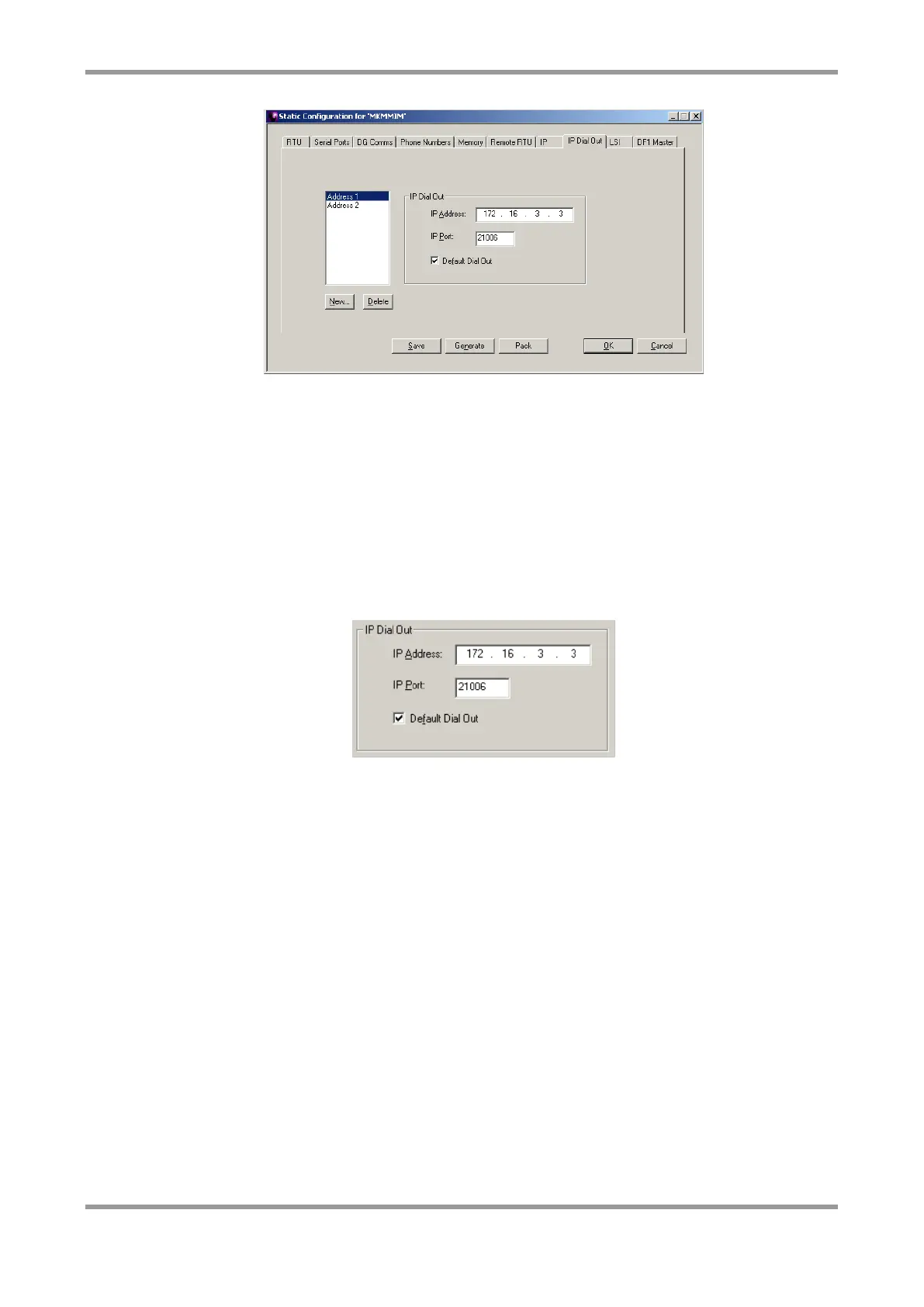
Enter the IP addresses and port numbers of the Master Control servers (DGs). Tick
“Default Dial Out” to make this address the first one the MM-IM tries.
Note: Where an MM-IM is configured with both IP and a modem, it will always try IP
first to contact Master Control, followed by the modem if IP fails.
LSI
The Local Subsidiary Interface (LSI, sometimes called Local Slave Interface) can be used to
retrieve points from either other Medina RTU’s configured as LSI slaves, or from
proprietary Medina Bus Master modules.
The MM-IM scans the selected serial port when it starts up, to detect any connected slave
devices and automatically begins polling. After each polling cycle, it checks for the
presence of a new slave device that hasn’t yet been found, in order to achieve “plug and
play” functionality.



 To Next Page