MM-IM User Guide
27
Outstation address on the Master Control system
(imported from ODF).
Analogue format for communicating with remote RTU’s
(using LSI or DSM). 13 bit (AWS/DCC) or 14 bit
(YWS/FDWS).
COM port to be used for PSTN Dial-out.
Default port to pass through any polls for other RTU’s.
Dialout Delay After
Power Up
The number of seconds the MM-IM will wait before
attempting to contact the DG after it has been powered
on.
What proportion of the memory is allocated to Trend,
Event and Alarm data. Due to the large amount of
memory, it is rare that you will need to change these
settings from the default.
Barrel Alarm/Event
Recording
Select this box to record over the oldest data if the
memory becomes full.
Select this to enable the Web server on the MM-IM (See
the “Web Server” section).
Select this if the serial port is used to pass polls to a
remote RTU so that the broadcast time poll is forwarded.
DF1 Configuration
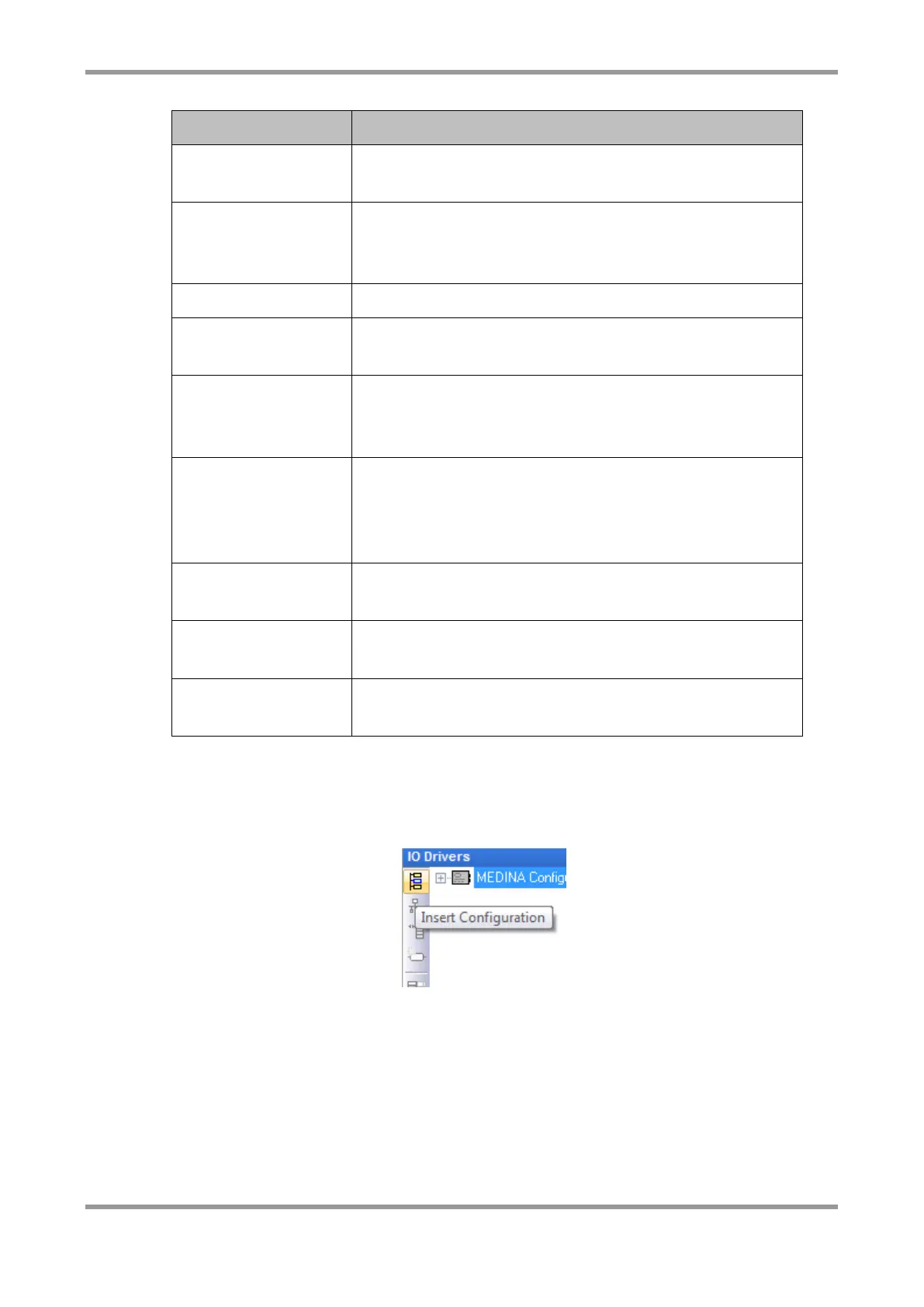
To add the DF1 configuration, click on this icon or right click in a blank space and choose
“Insert Configuration”.
From the list, select “MEDINA DF1 Configuration”.



 To Next Page