MM-IM User Guide
47
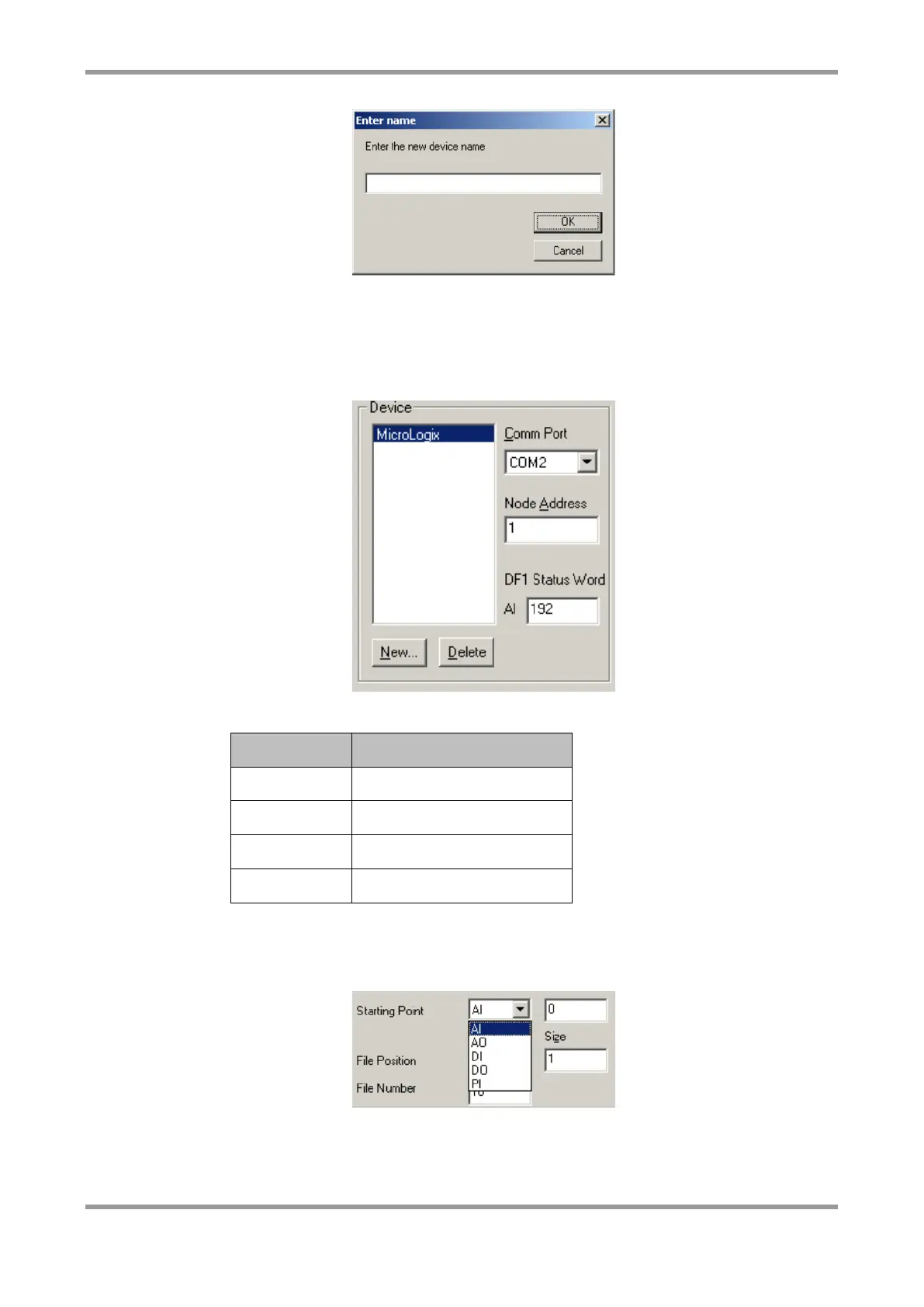
Allocate the device a serial port that has been set up to connect to “DF1 Slave” in the
“Serial Ports” screen. Enter the Node Address of the DF1 Slave.
An optional analogue input can be configured as the DF1 Status Word. This is an analogue
value that indicates the health of the link to the DF1 device. Any non-zero value indicates
a problem
Create “polling blocks” of data you wish to retrieve from the DF1 Slave.
Click “New”, then select a starting point number. This can be any one of the available
options. Analogue outputs (AO) or Digital outputs (DO) will be written to the DF1 Slave.
Enter the offset in to the file this block is to start from, and the size (in words) of the
block. Enter the file number for this block on the DF1 Slave. Only integer (N) registers are
supported.



 To Next Page