Controller / User Interface | 4-19
Printing Analyzer Conguration Parameters
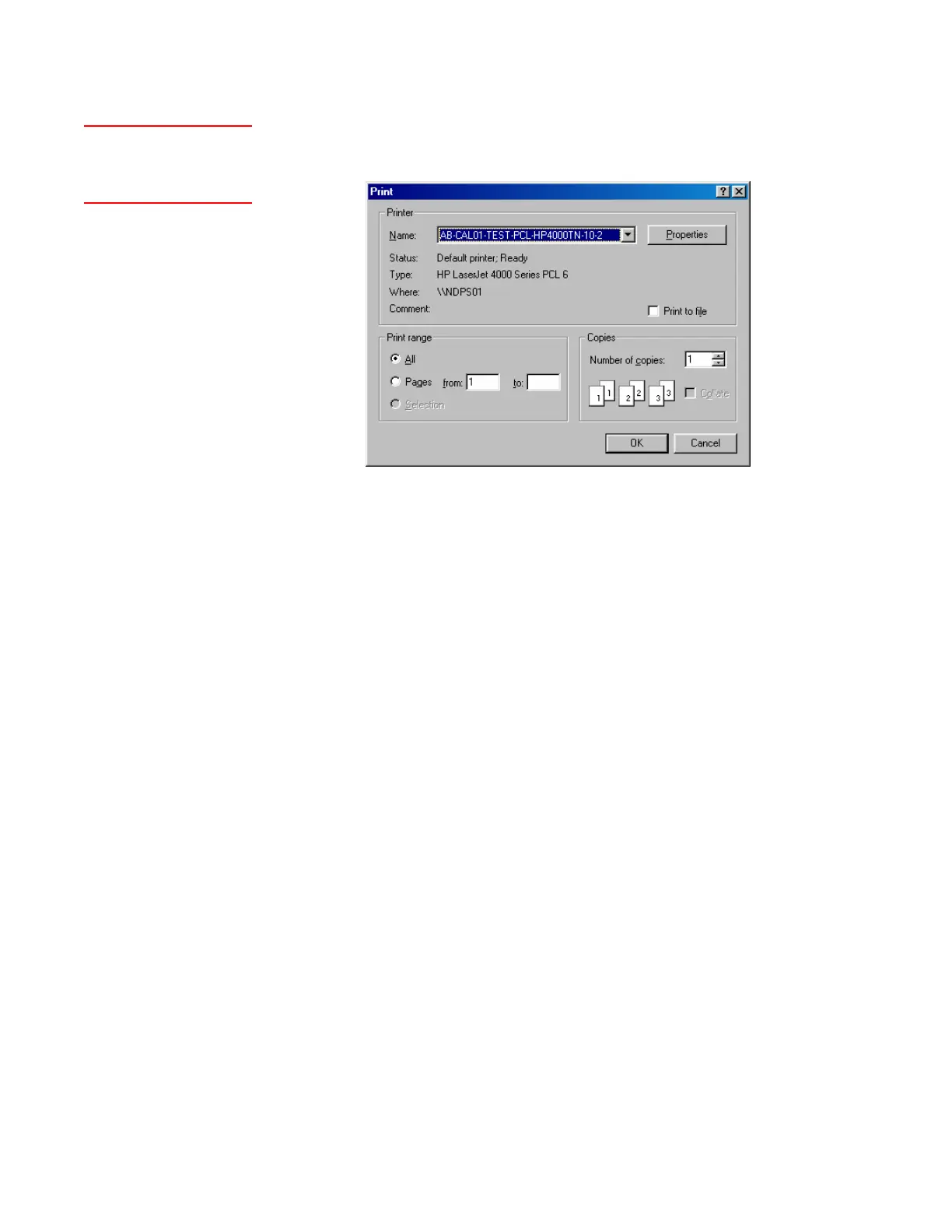
To print the current analyzer configuration parameters, select Print (Setup
tab). From the Print dialog box, click OK.
Figure 4-8.
Print dialog box (Print
button).
Refreshing Conguration or Calibration Parameters
When parameter settings have been modified, the Refresh button (Setup
tab, Figure 4-6) will flash to indicate that changes have been made. When
you click Refresh, the software polls the parameters at the analyzer and
updates the changes in the Configurator Software with the original ana-
lyzer settings.
Saving Conguration or Calibration Parameters to EEPROM
After changing parameters or their values, click OK to return to the Setup
tab. Then, click Apply (under the Setup tab). The software will prompt
“Would you like to save the settings to EEPROM?”. Click YES to send the
new value(s) to the analyzer and save them to EEPROM.
A printer must be
connected directly to the PC
or via a network.


 To Next Page