4-8 | Model 933 UV Analyzer
General Tab
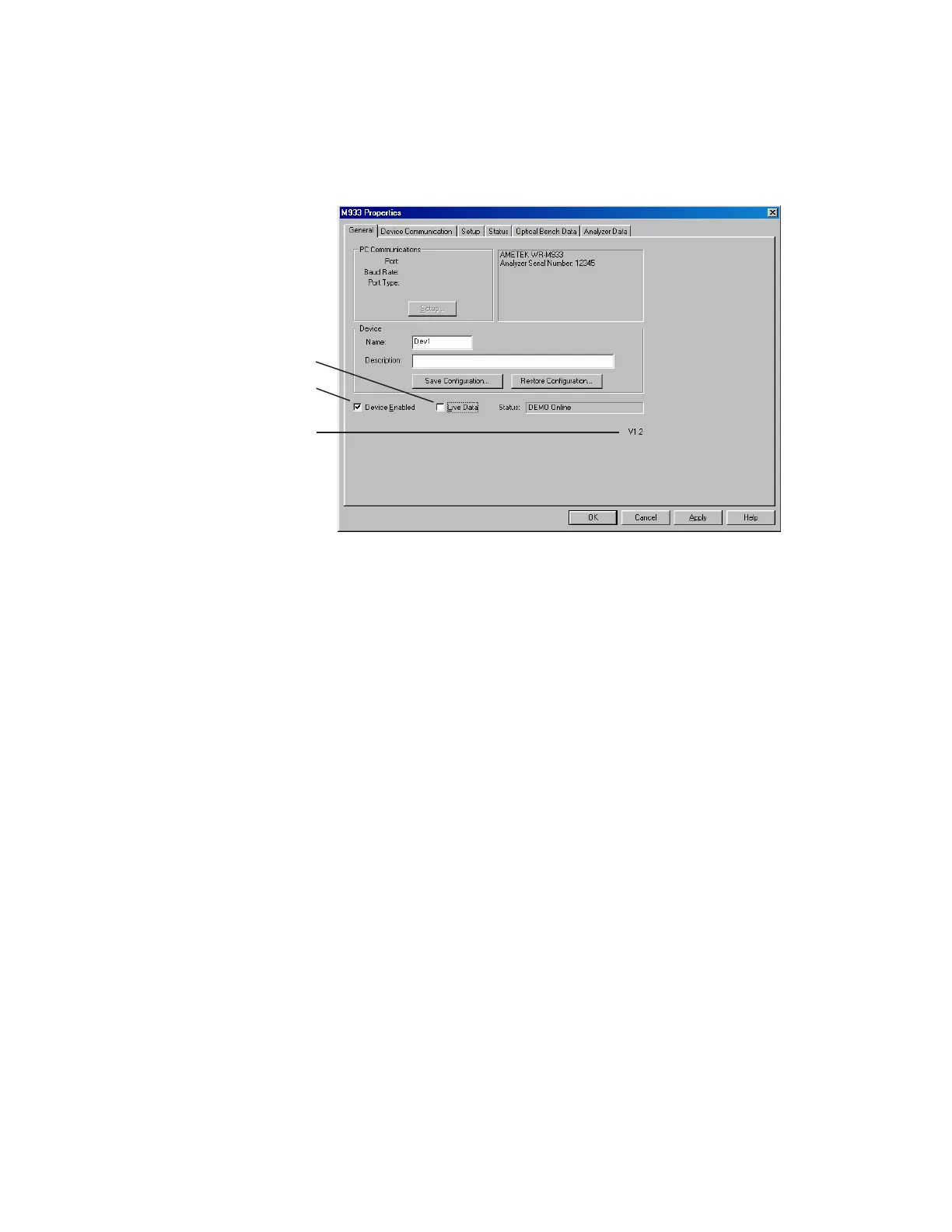
When the analyzer is connected to the PC, the current Host Controller
Firmware Version Number and analyzer Serial Number is displayed to
the right of PC Communications (Figure 4-1).
Other parameters include:
PC Communications
Displays information that has been configured from the Serial Port
Configuration dialog box (Figure 4-2).
Setup
Allows you to set up the communication parameters required to
establish communication with the analyzer (for details, see “PC
Communication Setup” in this chapter).
Device
Name
Enter a tag name or number.
Description
Enter a description to further define the analyzer, such as a Tag
Number or location in the plant.
This can be useful if using a Multi-Drop system, where multiple
analyzers are wired together on the same line. In this case, you can
assign different names and descriptions for each analyzer.
Figure 4-1.
M933 Properties
dialog box (General
tab).
Check box not selected
Check box selected
Congurator Software Version



 To Next Page