Controller / User Interface | 4-23
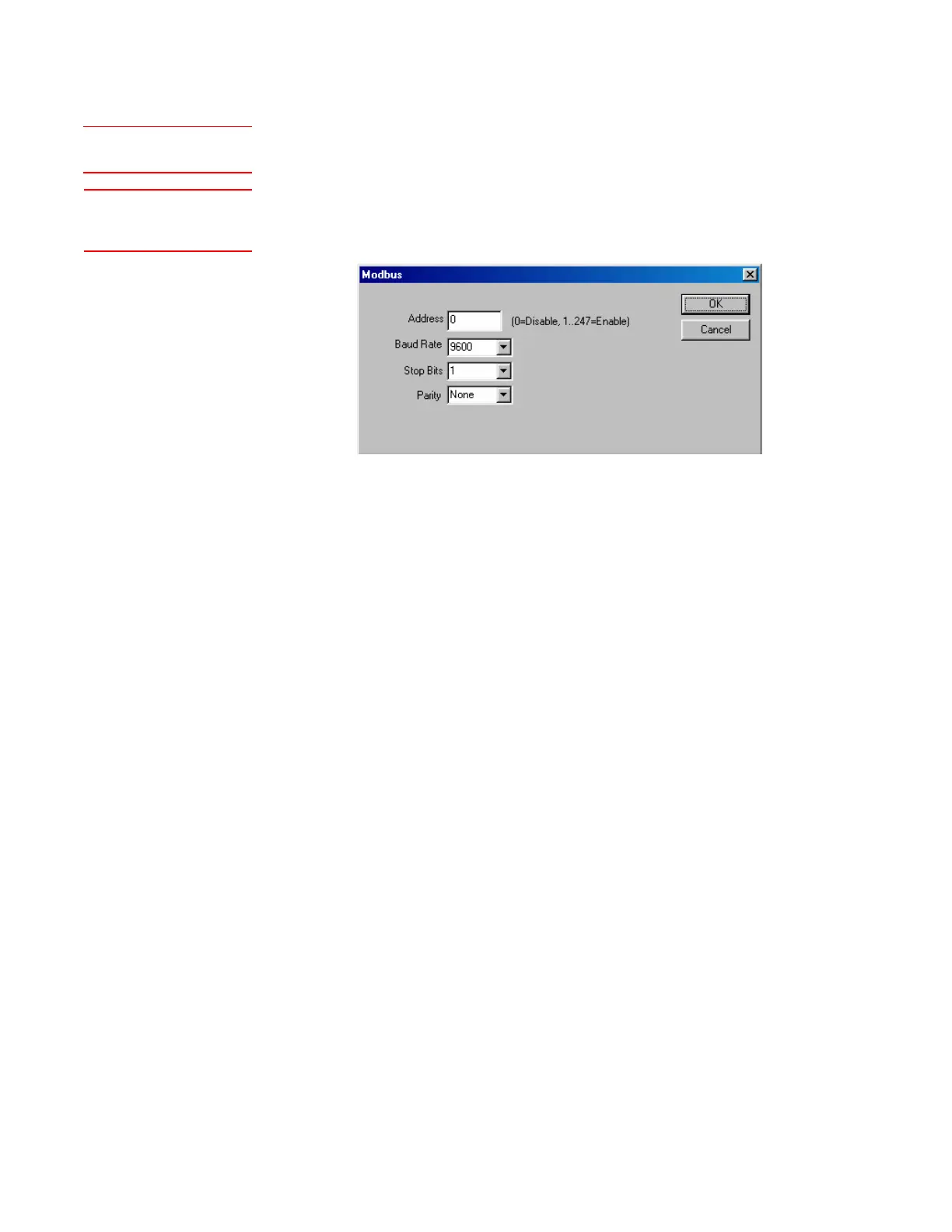
Modbus Settings
The Modbus dialog box contains operational parameters for the Customer
Data Acquisition port.
Certain parameters need to be set up using the Configurator Software
to enable the Modbus port to establish communication with the Modbus
master.
Set up the following information:
Address
Enter the Modbus network address assigned to the analyzer.
Baud Rate
Select the baud rate of the Modbus network.
Stop Bits
Select the number of stop bits of the Modbus network.
Parity
Select the parity of the Modbus network.
Figure 4-10.
Modbus dialog box.
See also “Digital
Communication” in Chapter 3.
Setup (tab)Modbus



 To Next Page