4-20 | Model 933 UV Analyzer
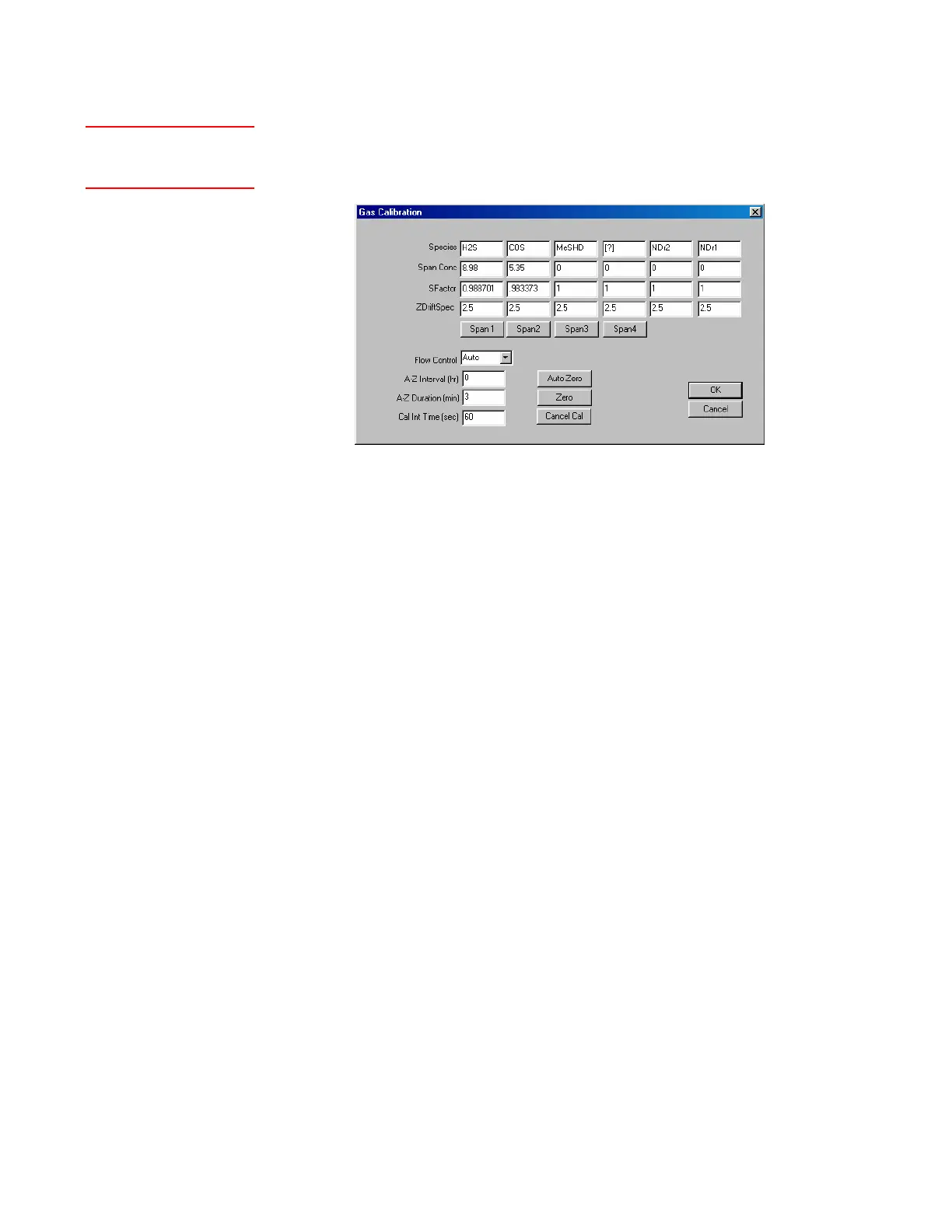
Species
Displays the names of available, factory-set gas species/output set-
tings.
Span Conc
This is the concentration of the component (typically PPM) in the
calibration gas mixture. Enter the concentration value (decimal nota-
tion) before initiating a calibration sequence. If a calibration gas is not
used, set this value to ‘0’. For other units of measurement, see “Custom
Output (Custom Setup)” in this chapter.
SFactor
The Span (calibration) Factor for the calculated result (component con-
centration) for each gas species. The analyzer’s Span Factor is adjusted
automatically at the completion of a Span.
ZDriftSpec
At the end of every Auto-Zero or Manual Zero, the zero drift result
is calculated and displayed (PPM). A “Warning Zero Drift” alarm is
displayed if the zero drift of any species exceeds its Zero Drift Specifi-
cation.
Span 1/Span 2/Span 3/Span 4
These buttons allow you to manually span each individual gas spe-
cies. The analyzer span factors are adjusted automatically based on the
average reading during the Cal Int Time (seconds) period after click-
ing each Span button. The span gas must be introduced manually (see
Chapter 5).
Setting Gas Calibration Parameters
The Gas Calibration dialog box contains gas species information and
sample system control parameters that are used to Span and Zero the
analyzer.
Figure 4-9.
Gas Calibration dialog
box.
Setup (tab)Gas
Calibration



 To Next Page