3-24 | Model 933 UV Analyzer
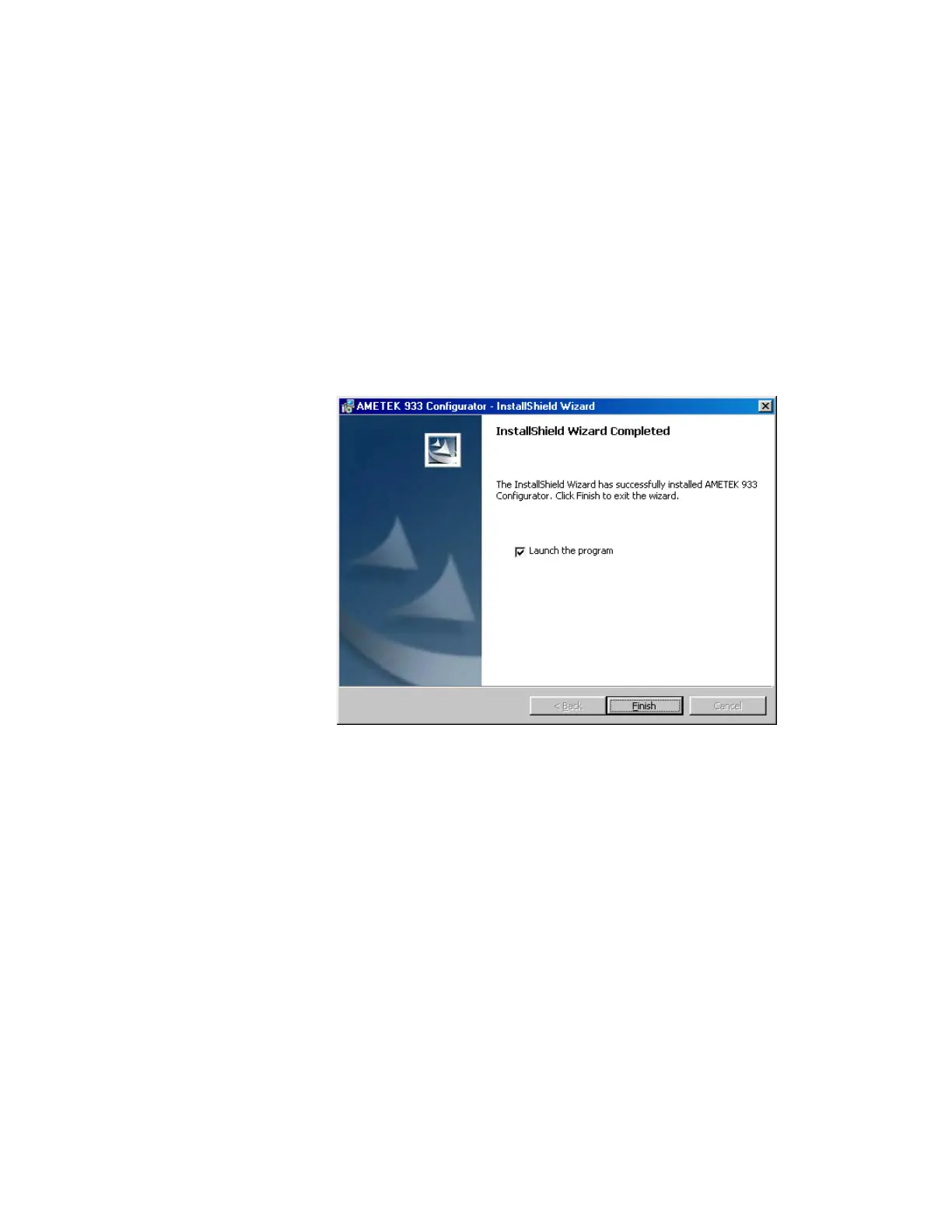
4. Click Next to continue. The software will install and the InstallShield
Wizard Completed screen (Figure 3-9) will appear. To use the Con-
figurator Software immediately, enable Launch the program and click
Finish.
You can also start the software by clicking M933 Configurator from
the Start\Programs\AMETEK\933 Configurator menu or by clicking
the M933 Configurator icon on the desktop (created during installa-
tion).
For details about using the Configurator Software to communicate
with the analyzer, see “Starting the Configurator Software and Es-
tablishing Communication Between the Analyzer and Computer” in
Chapter 4.
Removing the Congurator Software
To remove the Configurator Software from your computer:
1. From the Windows Start menu, select Settings, and then Control
Panel.
2. Double-click Add/Remove Programs.
3. Select AMETEK M933 Configurator and click Remove to remove it.
4. In the C:\AMETEK\M933 folder, delete all remaining folders and files,
including the M933 folder.
Figure 3-9.
InstallShield Wizard
Completed screen.



 To Next Page