6-52 | Model 933 UV Analyzer
Troubleshooting and Diagnostics
Hazardous Locations
Before proceeding, test the area around the analyzer for explosive
gases and proceed only when the area is found to be safe.
Do not remove the cover of the Explosion-Proof Digital Communica-
tions Port on the front of the Lower Enclosure, do not connect a serial
cable to the Communications Port, do not open the Upper/Lower En-
closures, and do not power up/down the analyzer or computer if there
is an explosive gas atmosphere present.
The Model 933 Analyzer has a built-in alarm detection system that con-
tinuously monitors the operation of key parameters. An alarm can be
detected by either the Host Controller or the Microcontroller and can
be of two types: Fault and Warning. An alarm is annunciated by the Fault
Status or Warning Status relay. If the analyzer is communicating with the
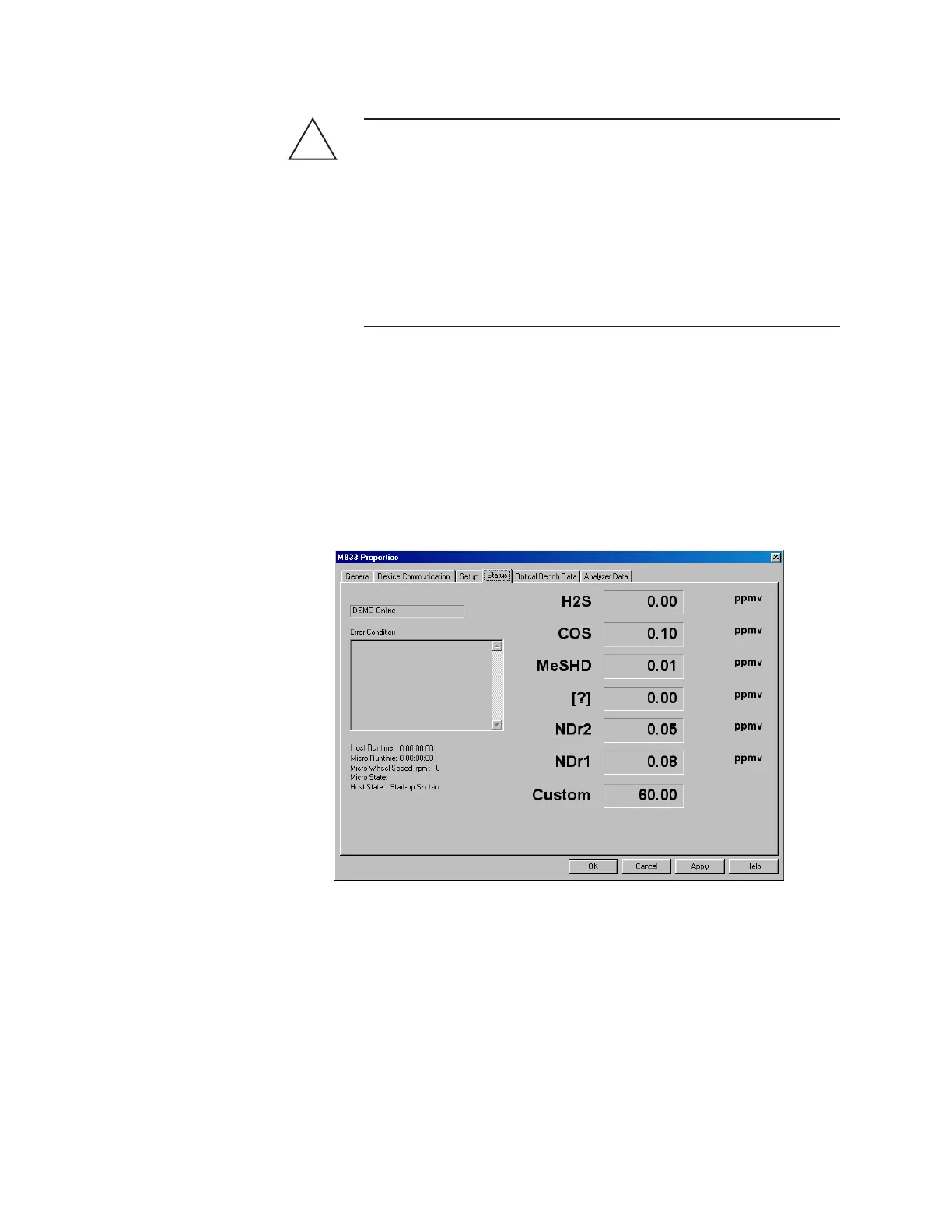
Configurator Software, the alarm type and condition that causes an alarm
are displayed in the Error Condition display box under the Status tab.
!
WARNING
Figure 6-13.
Analyzer Status tab.



 To Next Page