Installation and Start-Up | 3-23
Installing the Congurator Software
To install the Configurator Software on your computer:
1. Insert the System 200 Configurator Software DVD in the DVD drive.
The auto-setup program will run and begin the installation. The Wel-
come to the InstallShield Wizard screen will appear.
If the software installation does not start automatically, browse the
DVD drive and double-click the setup.exe file to manually start the
installation.
2. Click Next to continue with the setup. The Readme Information
screen will appear.
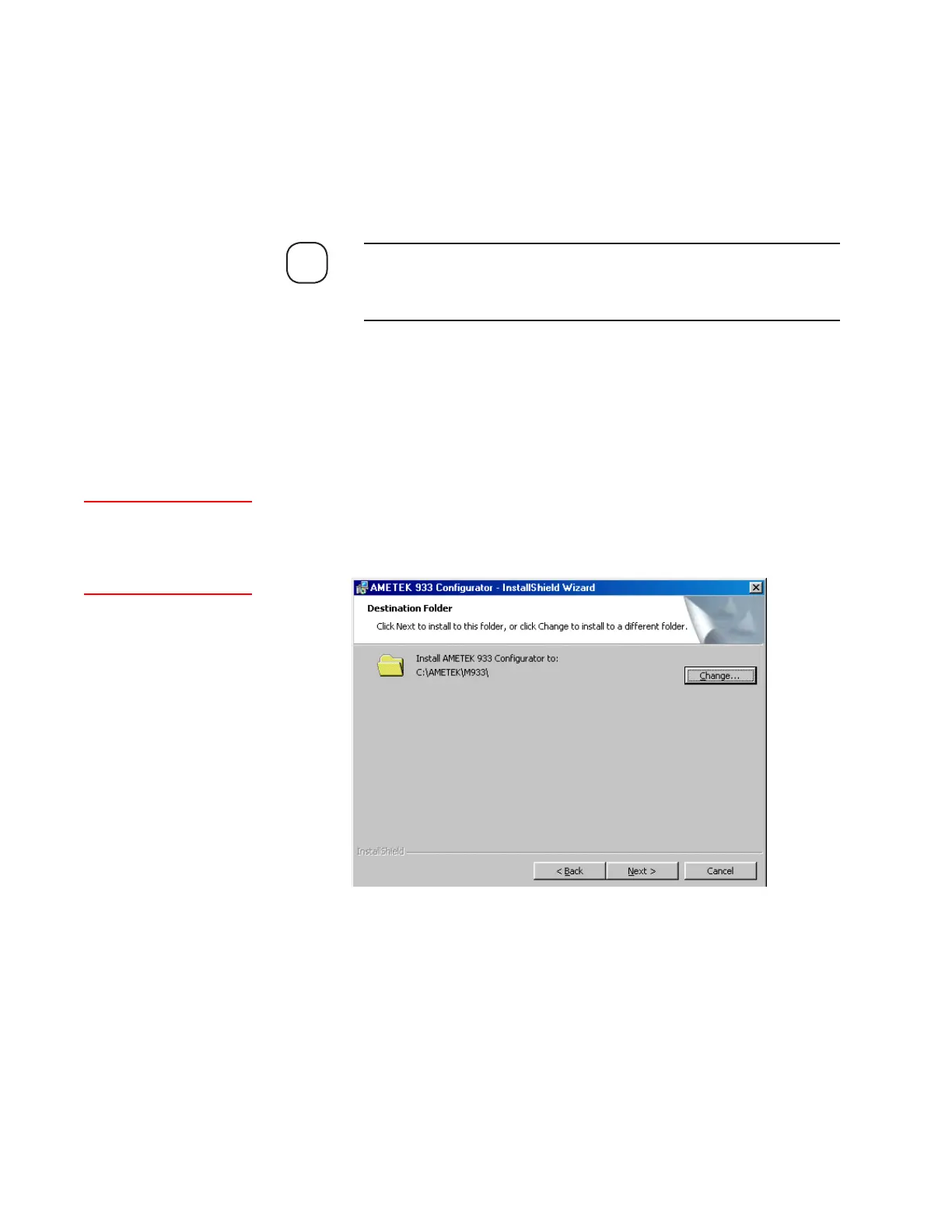
3. Click Next to continue. The Destination Folder screen will appear
(Figure 3-8). Follow the instructions to install the software.
By default the software will install in C:\AMETEK\M933. Otherwise,
click Change and navigate to the folder in which you wish to install
the software.
NOTE
Figure 3-8.
Destination Folder
screen.
AMETEK recommends
installing the software and
program icons in the default
directory.



 To Next Page