Calibration | 5-1
CALIBRATION
Hazardous Locations
Before proceeding, test the area around the analyzer for explosive
gases and proceed only when the area is found to be safe.
Do not remove the cover of the Explosion-Proof Digital Communica-
tions Port on the front of the Lower Enclosure, do not connect a serial
cable to the Communications Port, do not open the Upper/Lower En-
closures, and do not power up/down the analyzer or computer if there
is an explosive gas atmosphere present.
Maintenance personnel should be thoroughly familiar with the opera-
tion of the analyzer and the System 200 Configurator Software before
performing the maintenance procedures described in this chapter.
Manual Span Gas Calibration
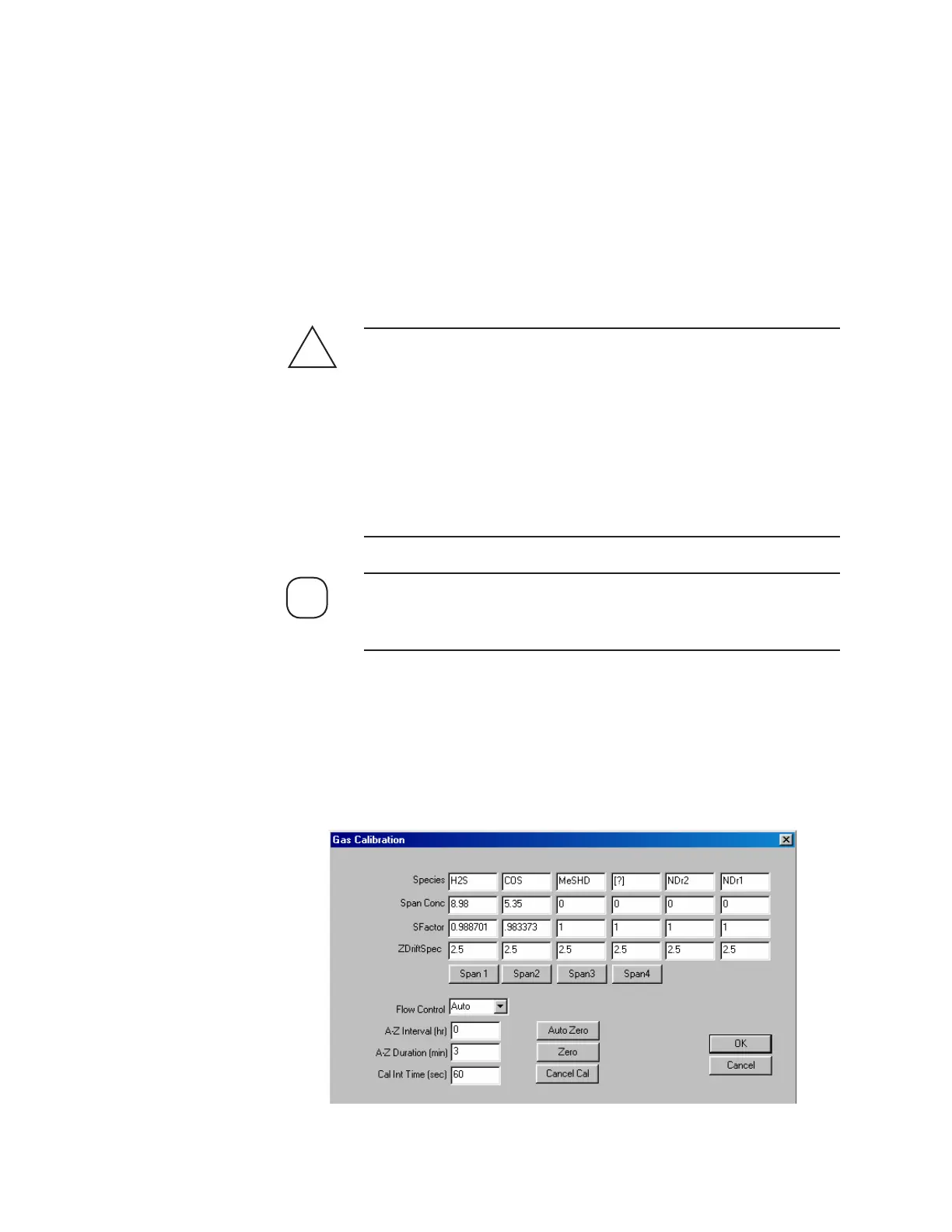
The Gas Calibration dialog box contains gas species information and
sample system control parameters. See also “Setting Gas Calibration Pa-
rameters” in Chapter 4.
!
WARNING
Figure 5-1.
Gas Calibration dialog
box.
NOTE



 To Next Page