Installation and Start-Up | 3-35
Problem Encountered
A temperature zone value is equal to or greater than the maximum tempera-
ture range being used (view the Temperature Control dialog box to check the
range). A high temperature value may indicate a faulty RTD for the related
temperature zone.
Corrective Action
Take appropriate safety precautions and check the related RTD for a short
or an open circuit. If necessary, replace the RTD with an AMETEK-approved
replacement part. Contact AMETEK for assistance.
Problem Encountered
Alarms remain active after the analyzer has warmed up to normal operating
temperature, as displayed on the Status tab (under Error Condition).
The “Fault Column Temp Lo”, “Warning Bench Temp”, and “Warning Cell
Temp” alarms will typically be displayed upon start-up due to low tempera-
tures in these temperature zones.
Corrective Action
If these or other alarms remain active, refer to “Host Controller/Microcon-
troller Board Alarm Conditions and Corrective Action” in Chapter 6.
Status (tab)
<<Error Condition>>
Setup (tab)
Temp Control
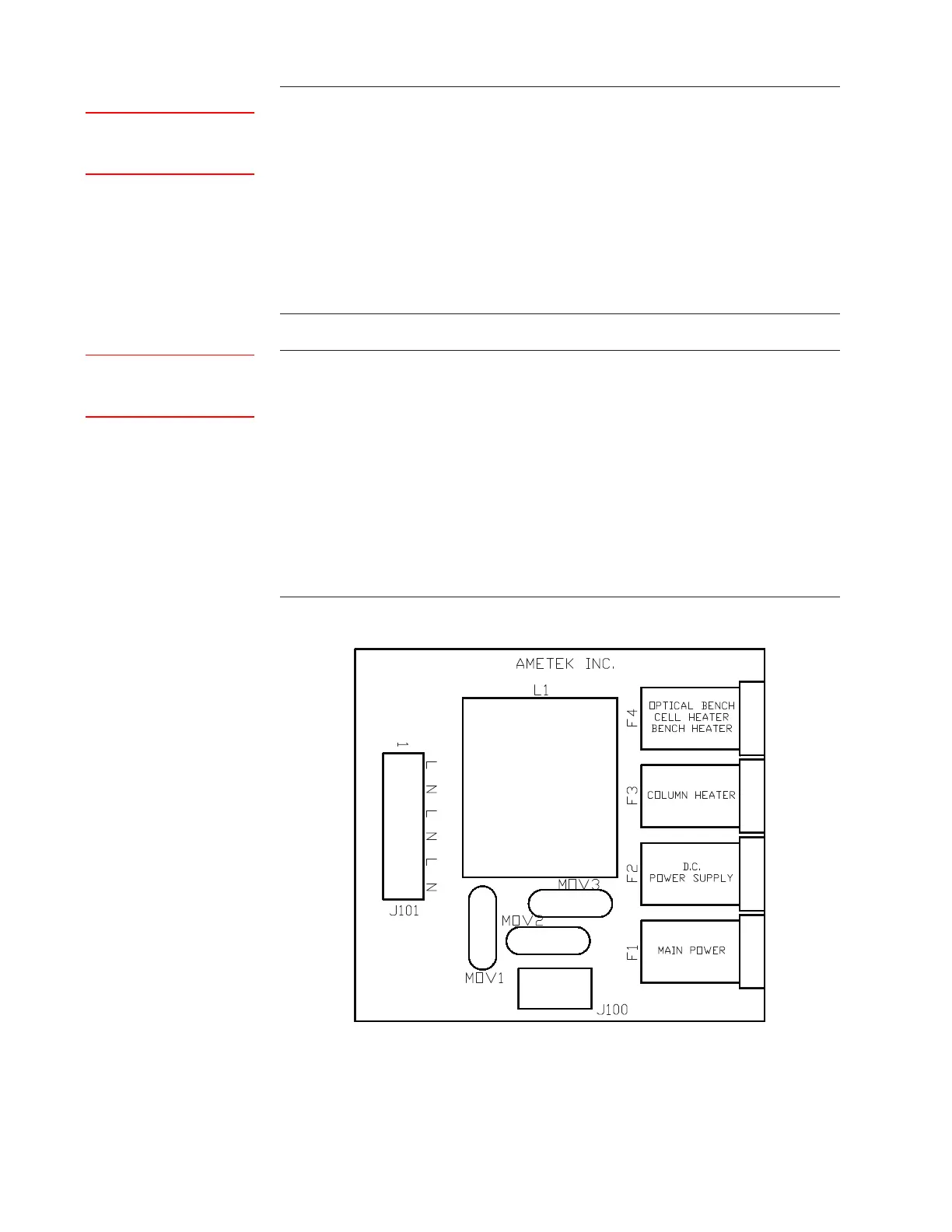
Figure 3-17.
AC Distribution board
(P/N 100-1771).



 To Next Page