3-40 | Model 933 UV Analyzer
Verify the Column Switch Interval is properly adjusted:
1. From the Output Setup dialog box (Figure 3-16), click Alarm Disable.
Click OK.
2. From the Gas Calibration dialog box (Figure 3-18), verify the Flow
Control setting is “Auto”. If not, select “Auto”. Click OK then Apply.
Do not save the changes to EEPROM.
3. Close the M933 Properties dialog box by clicking OK or Cancel. From
the File menu click Open Configuration. Navigate to the M933 folder,
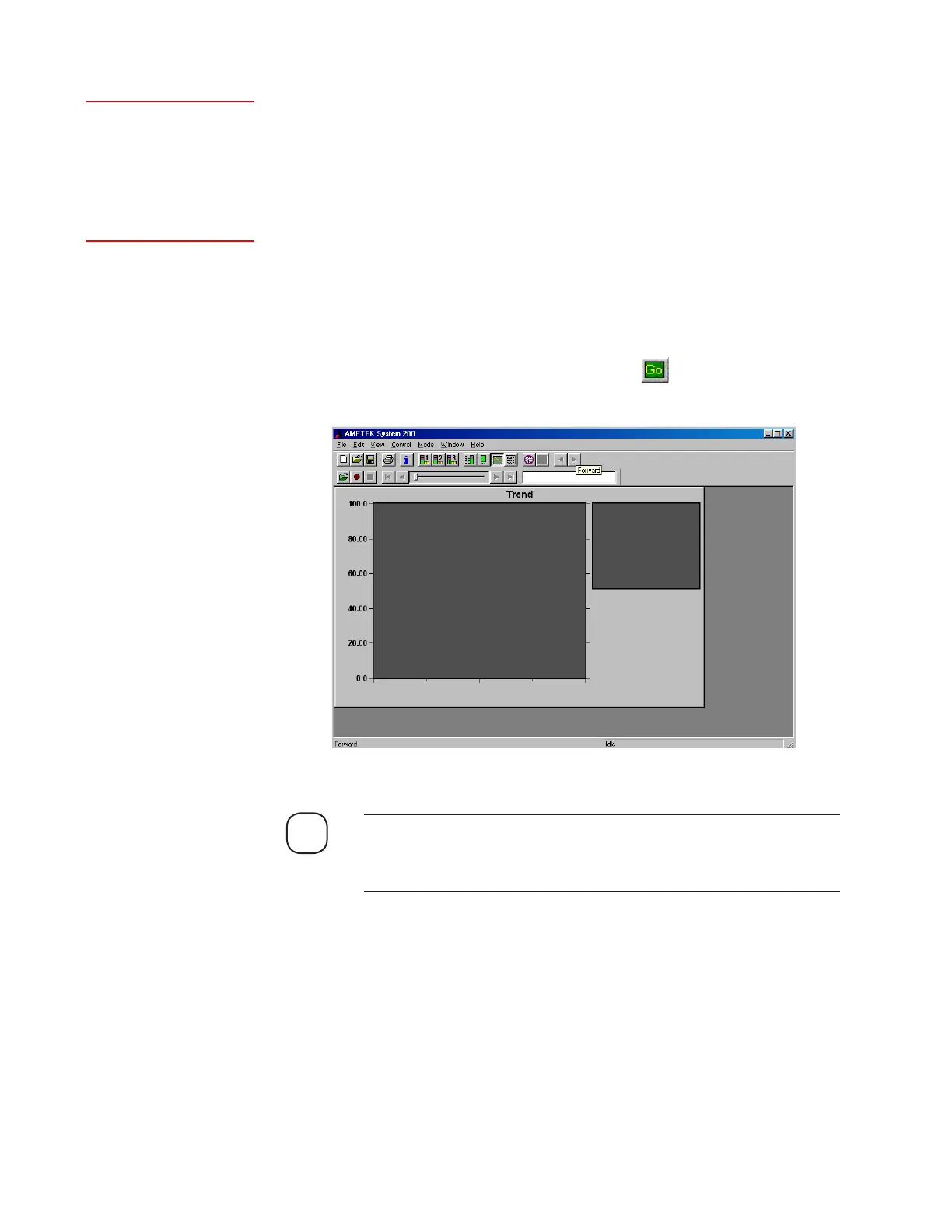
select the “ColumnSetup.dyc” file, and click Open. A graph will ap-
pear that displays the concentration signals as a function of time. From
the M933 Configurator main window, click (on the Standard
Toolbar) to start data scanning (Figure 3-19).
If the X-axis time interval on the ColumnSetup.dyc needs to be ad-
justed, right-click your mouse button on the graph, click Display and
change the time period in the Minutes text field.
NOTE
Figure 3-19.
Column setup graph.
Setup (tab)
Output<<Alarm Disable>>
Setup (tab)
Gas Calibration<<Flow
Control>>



 To Next Page