■■■■■■■■■■■■■■■■■■■■■■
3 Overview of the device
■■■■■■■■
11
5
Measured value
6
Temperature and type of compensation
7
Number of values stored
8
Information symbols
9
Electrode calibration range
10
Lower text field
11
Stability indicator
12
Operation mode
13
Upper text field
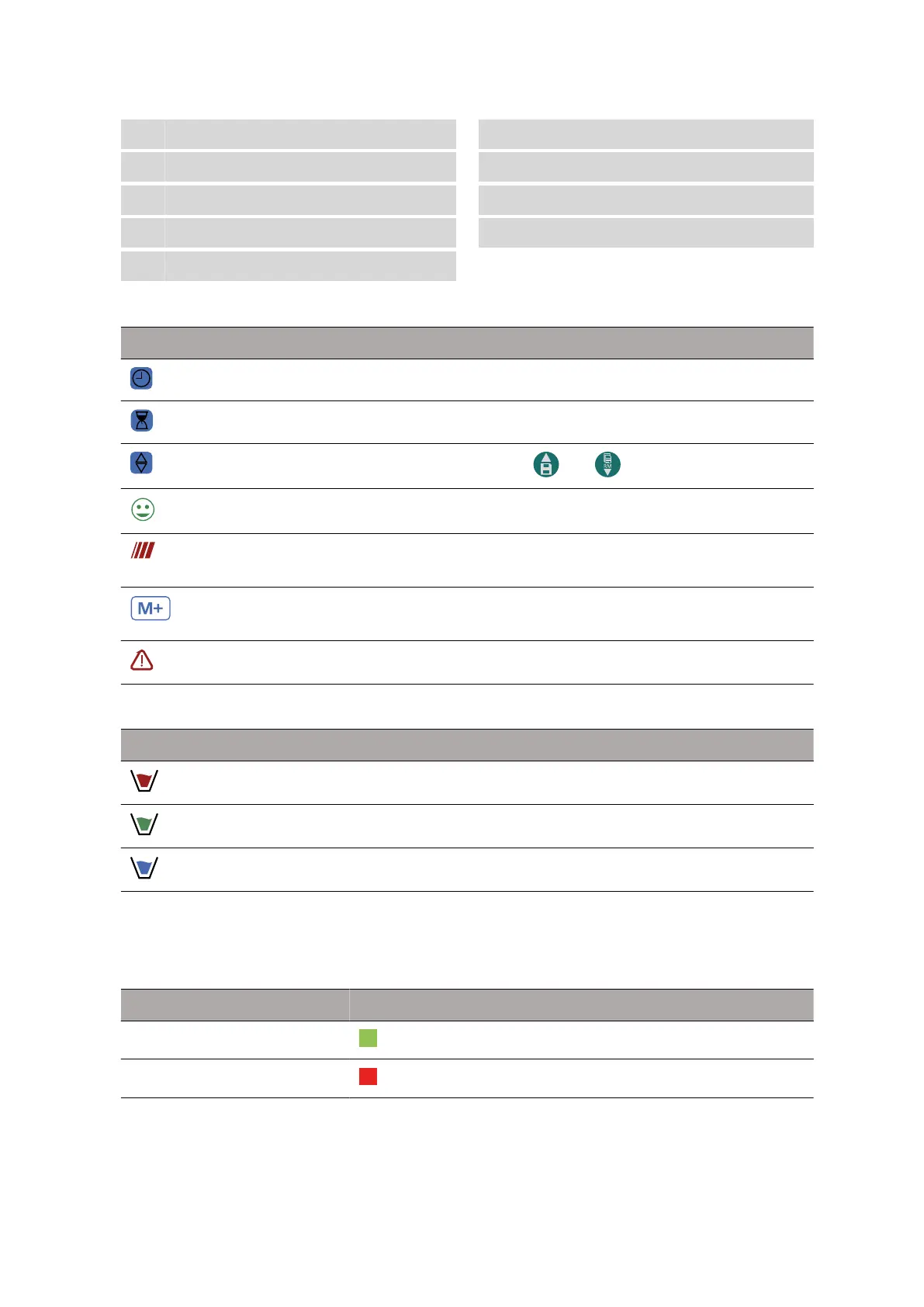
Table 3 Symbols on the display
Symbol Meaning
The values are automatically collected.
A calibration time is set or reached.
Use the and buttons for operation.
The measurement is stable.
The value is measured. The measured value is
still unstable.
Number of values stored for the respective
measuring parameter
There is an error message.
Table 4 Electrode calibration range
Symbol Buffer pH value
Acidic < 6.5
Neutral 6.5 ~ 7.5
Alkaline > 7.5
3.2.3 LED status display
2-color LED (red and green), which provides the user with important infor-
mation about the device status:
Function
LED color Description
On On
Off On












 To Next Page