■■■■■■■■■■■■■■■■■■■■■■
5 Operation
■■■■■■■■
27
CAUTION
Before proceeding with the calibration procedures of the sensors, care-
fully read the safety data sheets for the following substances used:
■ Buffer solutions
■ Storage solution for pH electrodes
■ Electrolyte for pH electrodes
5.5.4 Manual calibration
Manual calibration is depicted using 2-point calibration pH 6.79 and pH
4.65 (DIN19267) as an example.
Opening the menu
1
Open the pH settings.
2
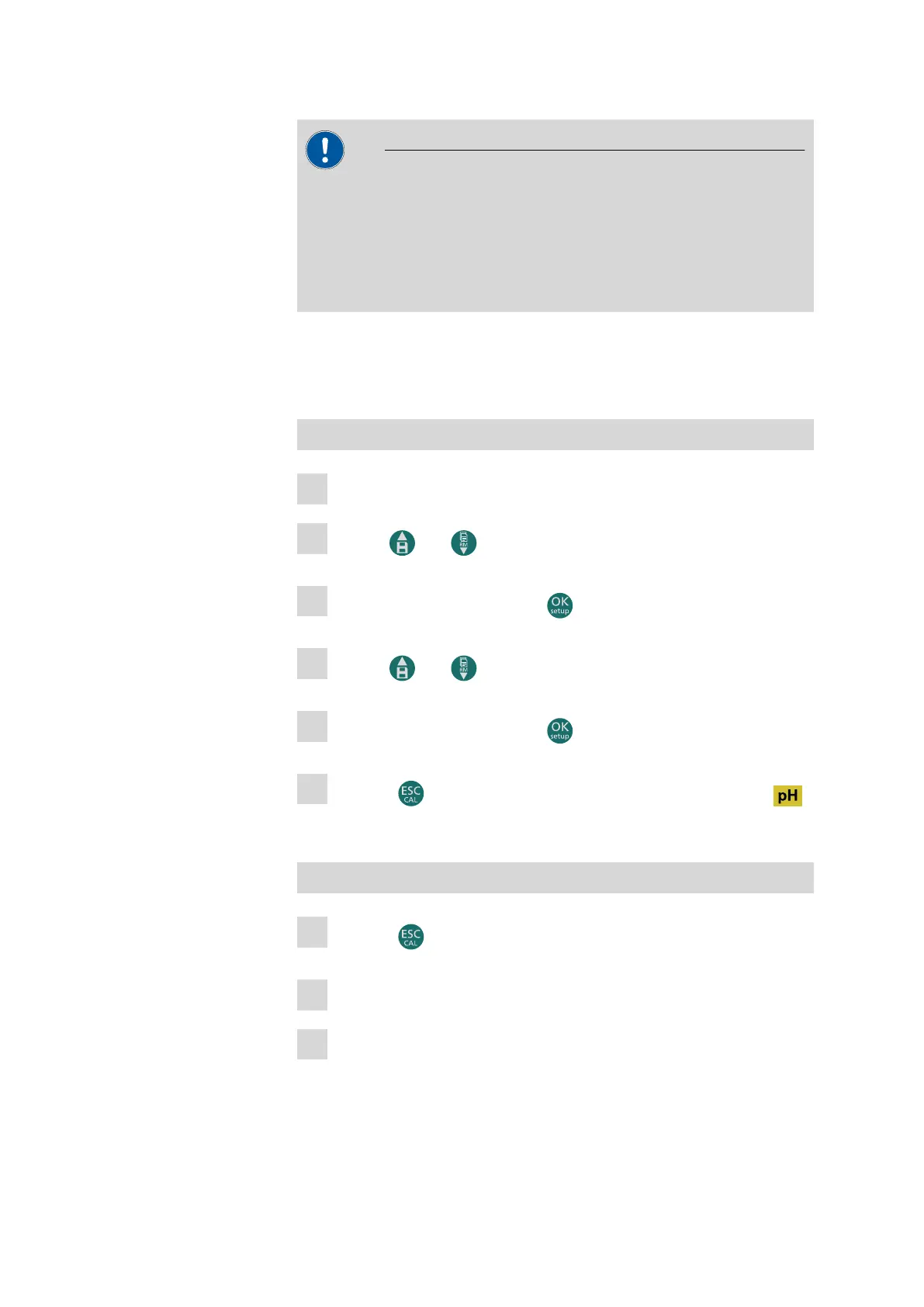
Use the and buttons to select the P1.1 setting.
3
Confirm the selection with the button.
4
Use the and buttons to select CUSTOM.
5
Confirm the selection with the button.
6
Press the button twice to return to measuring mode in the
area.
Calibrating the 1st point
1
Press the button to access calibration mode.
2
Rinse the electrode with distilled water.
3
Immerse the electrode in the first pH buffer solution (e.g. pH 6.79).












 To Next Page