■■■■■■■■■■■■■■■■■■■■■■
5 Operation
■■■■■■■■
41
NOTE
The values saved in the internal device memory cannot be printed out.
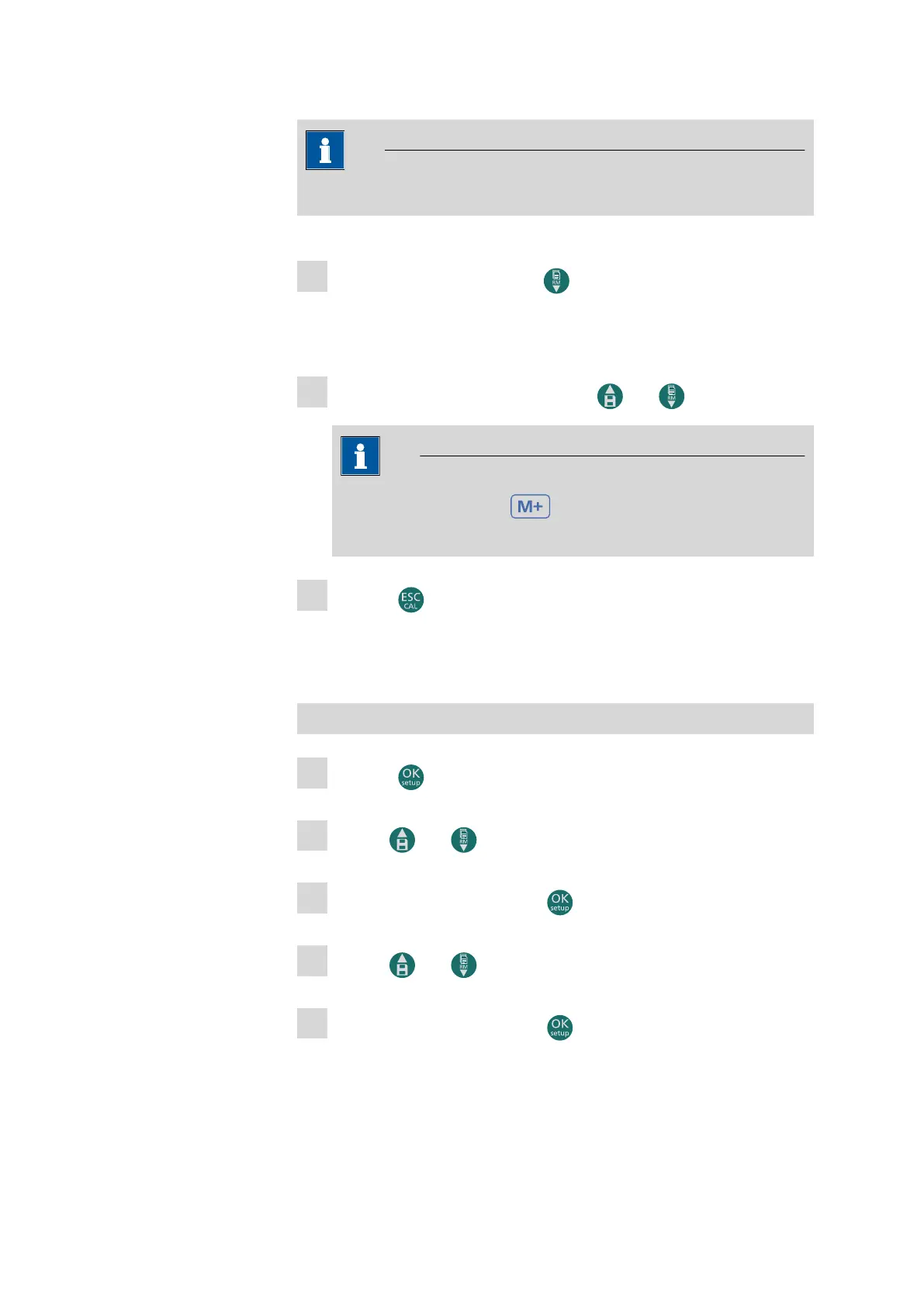
5.7.6 Retrieving the memory
1
In measuring mode, press the button for the required parameter
to switch to retrieve memory mode.
The most recently saved values appear on the display.
2
Go through the saved values with the and buttons.
NOTE
The number next to the shows the number of the saved
value.
3
Press the button to return to measuring mode.
5.8 Device settings
Opening the device settings
1
Press the button in measuring mode to access the settings.
2
Use the and buttons to select the P9.0 device settings.
3
Confirm the selection with the button.
4
Use the and buttons to select the setting to be edited.
5
Confirm the selection with the button.
The following submenus can be found in the device settings:












 To Next Page