5.8 Device settings
■■■■■■■■■■■■■■■■■■■■■■
42
■■■■■■■■
Setting Meaning Selection Default value
P9.1
TEMPERATURE UNIT
Temperature unit °C | °F °C
P9.2
DATE AND TIME
Date and time
P9.4
BRIGHTNESS
Brightness LOW | NORMAL |
HIGH
NORMAL
P9.7
SERIAL NUMBER
Serial number
P9.8
RESET SETTINGS
Resetting settings YES | NO NO
P9.1 Temperature unit
Select the temperature unit to be used in P9.1.
■ °C: degrees Celsius
■ °F: degrees Fahrenheit
Default value: °C
P9.2 Date and time
The date and time on the 949 pH Meter are changed under P9.2.
1
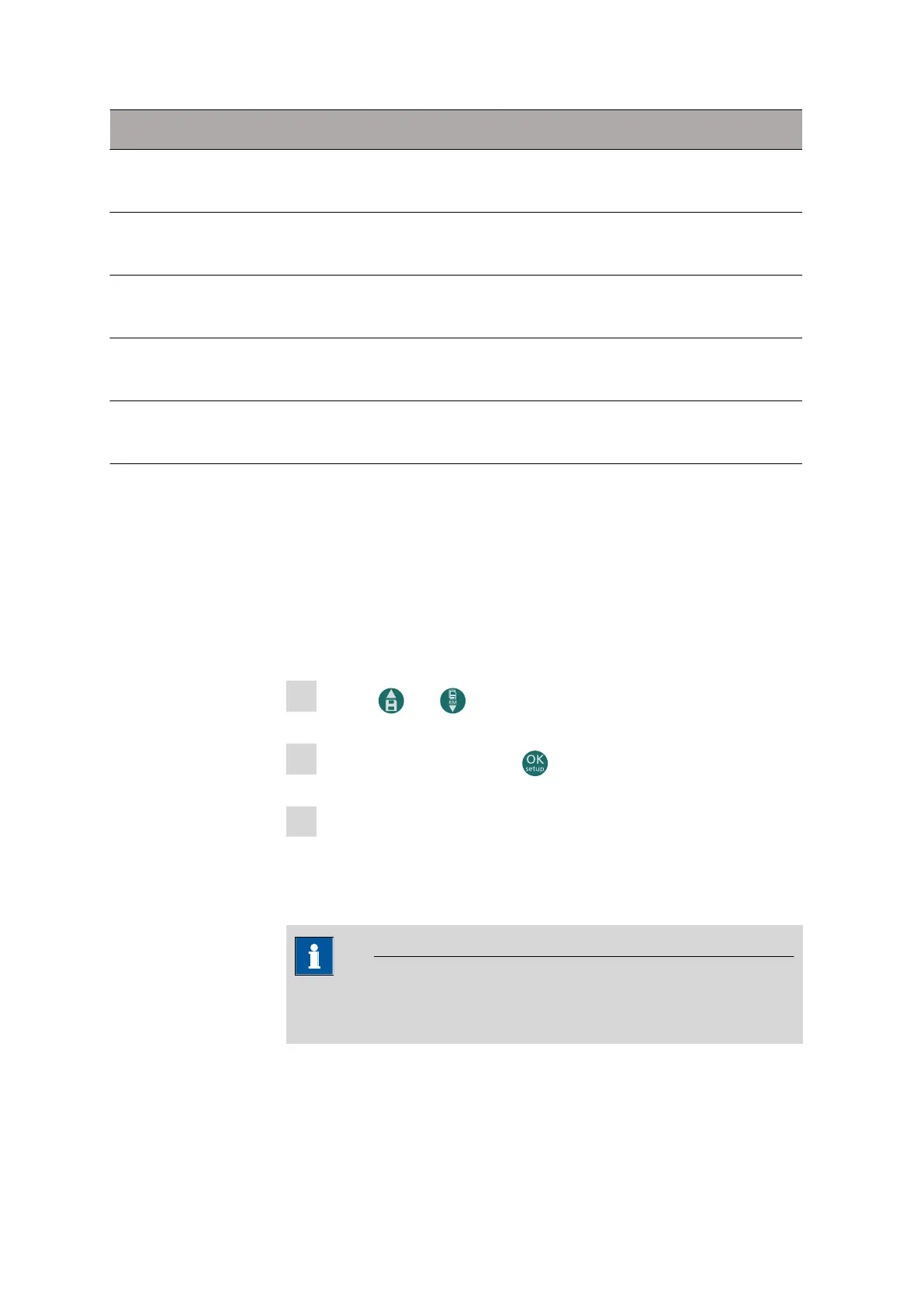
Use the and buttons to change the year.
2
Confirm the setting with the button.
3
Repeat steps 1 and 2 with the month and day and then with the
hours and minutes.
The device switches to measuring mode with the parameter most
recently used.
NOTE
The date, time and all GLP data are also retained in the event of a
power failure.
P9.4 Brightness
P9.4 is used to set the screen brightness.












 To Next Page