■■■■■■■■■■■■■■■■■■■■■■
5 Operation
■■■■■■■■
17
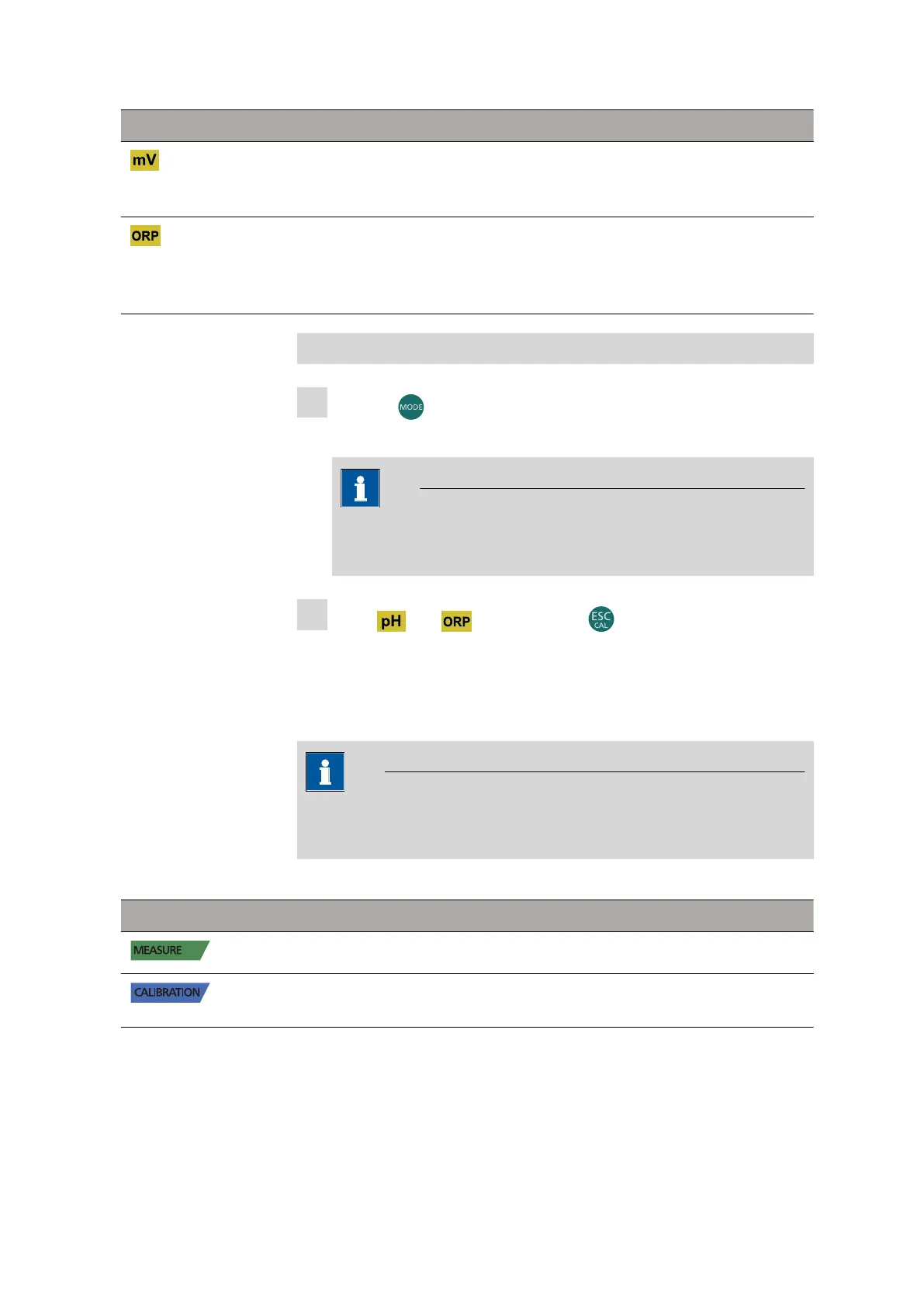
Measuring parameters Functions
■ Display of potential in mV
■ Measurement of potential in mV
■ Retrieve memory
■ Measurement of oxidation reduction poten-
tial in mV
■ Calibration
■ Retrieve memory
Changing the measuring parameters
1
Press the button to switch between the different measuring
parameters.
NOTE
After the last parameter, the device automatically returns to the
first parameter.
2
In the and areas, press the button to start calibration
of the active parameter.
Operation mode
The current operation mode is displayed on the left of the display.
NOTE
The change of operation mode is indicated by a flashing light on the
display.
The following operation modes are available for selection:
Operation mode
Meaning
The device is in measuring mode.
The device is in calibration mode (automatic or
manual).












 To Next Page