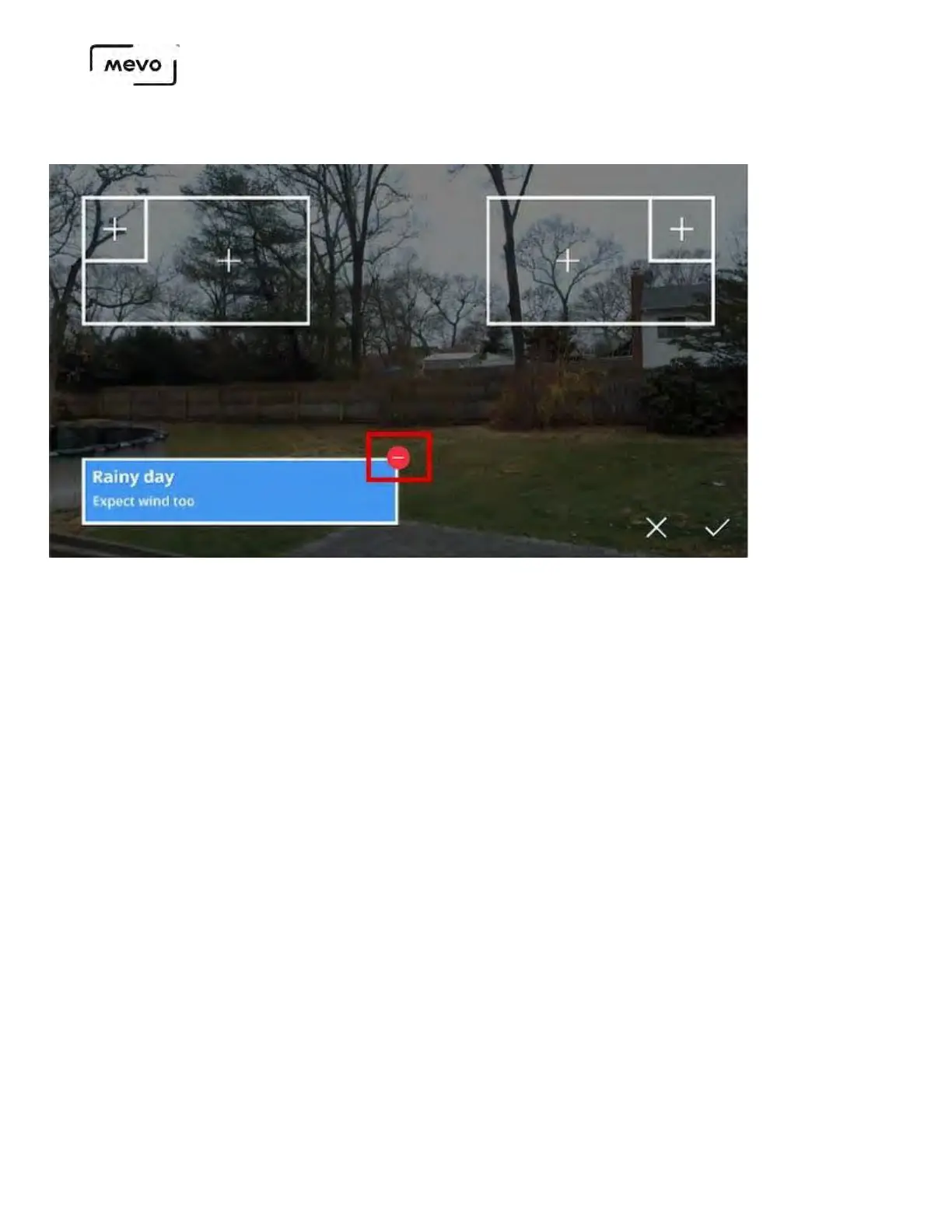
To remove it, tap the canvas icon again, then tap the red delete icon in the lower third. That will
remove the overlay from your view.
When the lower third is removed, tap the checkmark in the lower right to confirm removing it from
the output and close the overlays screen.
You will no longer see the lower third in your output.
Mevo Start User Manual
Page 131



 To Next Page