Creating a Corner Bug Overlay
You can add corner bug overlays to your broadcast and recording, such as an icon or logo.
To access this feature, you must have a Vimeo Producer or Vimeo Premium plan; learn how to subscribe
here. You will also need a supported microSD card inserted into your Mevo camera.
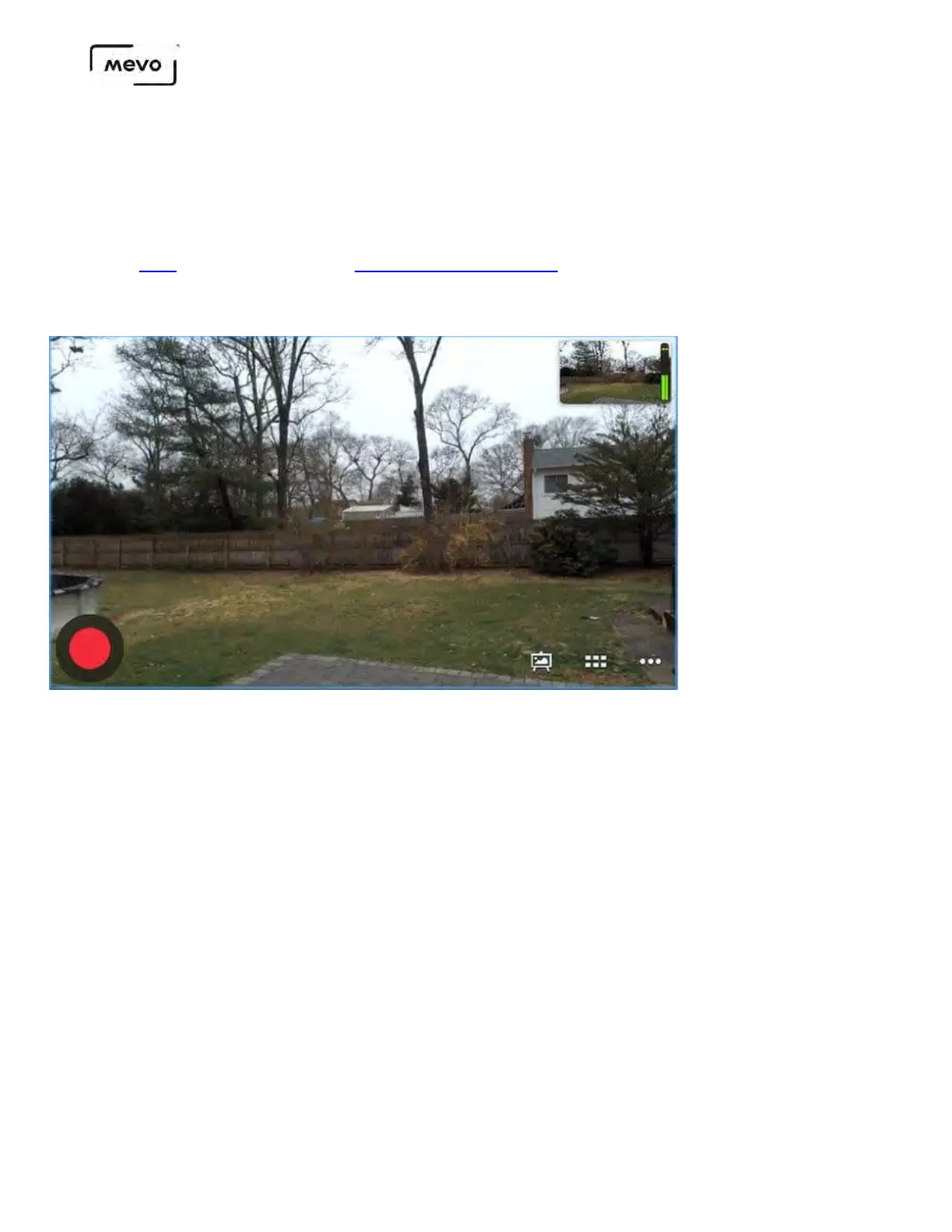
In the live edit view, tap the canvas icon in the bottom right corner.
The overlays screen will open. There are two options for adding a bug in either corner. Select which
side you want your bug to appear on.
Mevo Start User Manual
Page 132



 To Next Page