Creating a Lower Third Overlay
You can create simple lower third graphics overlays in the Mevo app to display information such as
speakers' names, locations, or tips.
To access this feature, you must have a Vimeo Producer or Vimeo Premium plan; learn how to subscribe
here. You will also need a supported microSD card inserted into your Mevo camera.
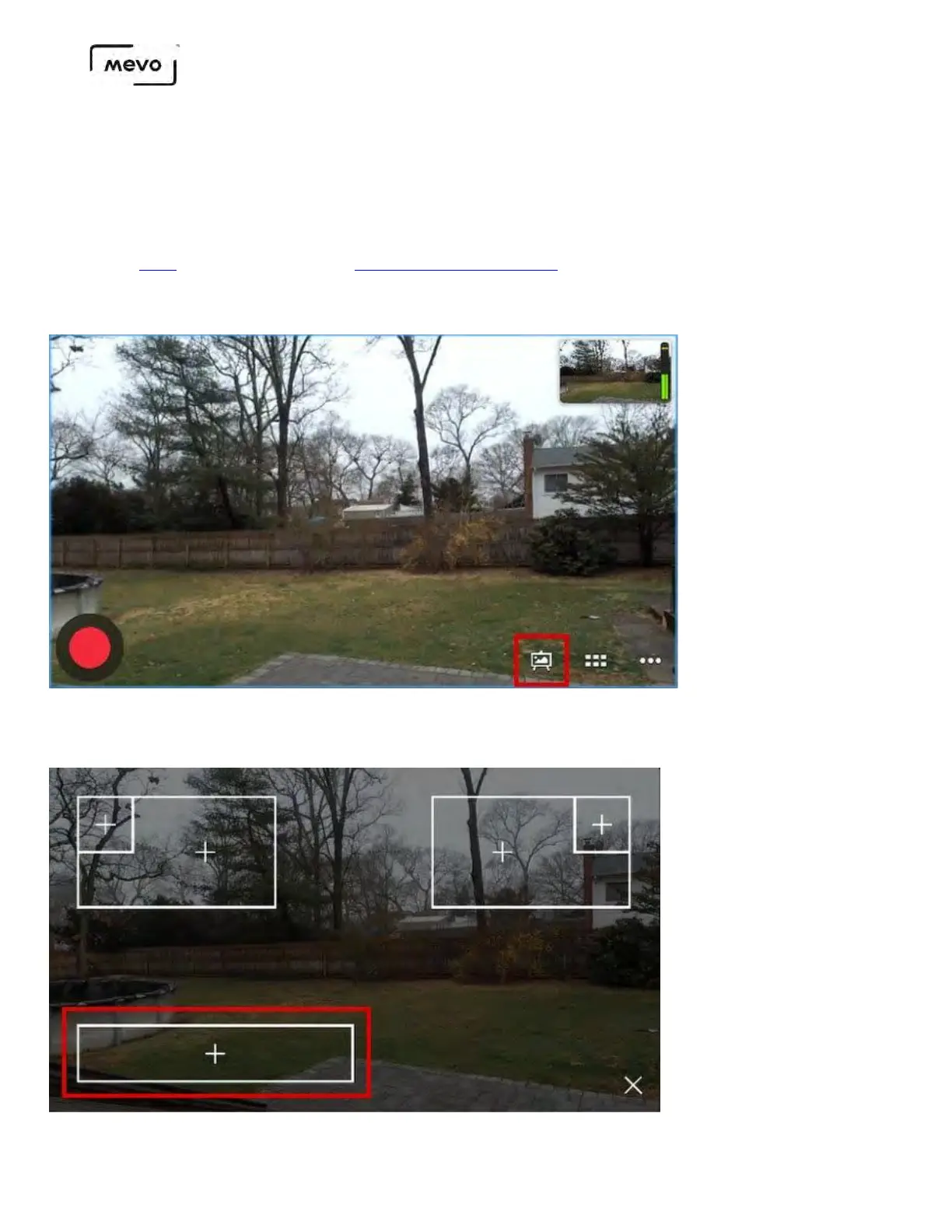
In the live edit view, tap the canvas icon in the lower right corner.
A variety of overlay options will appear. The lower third option can be found in the bottom left side of
the screen.
Mevo Start User Manual
Page 126



 To Next Page