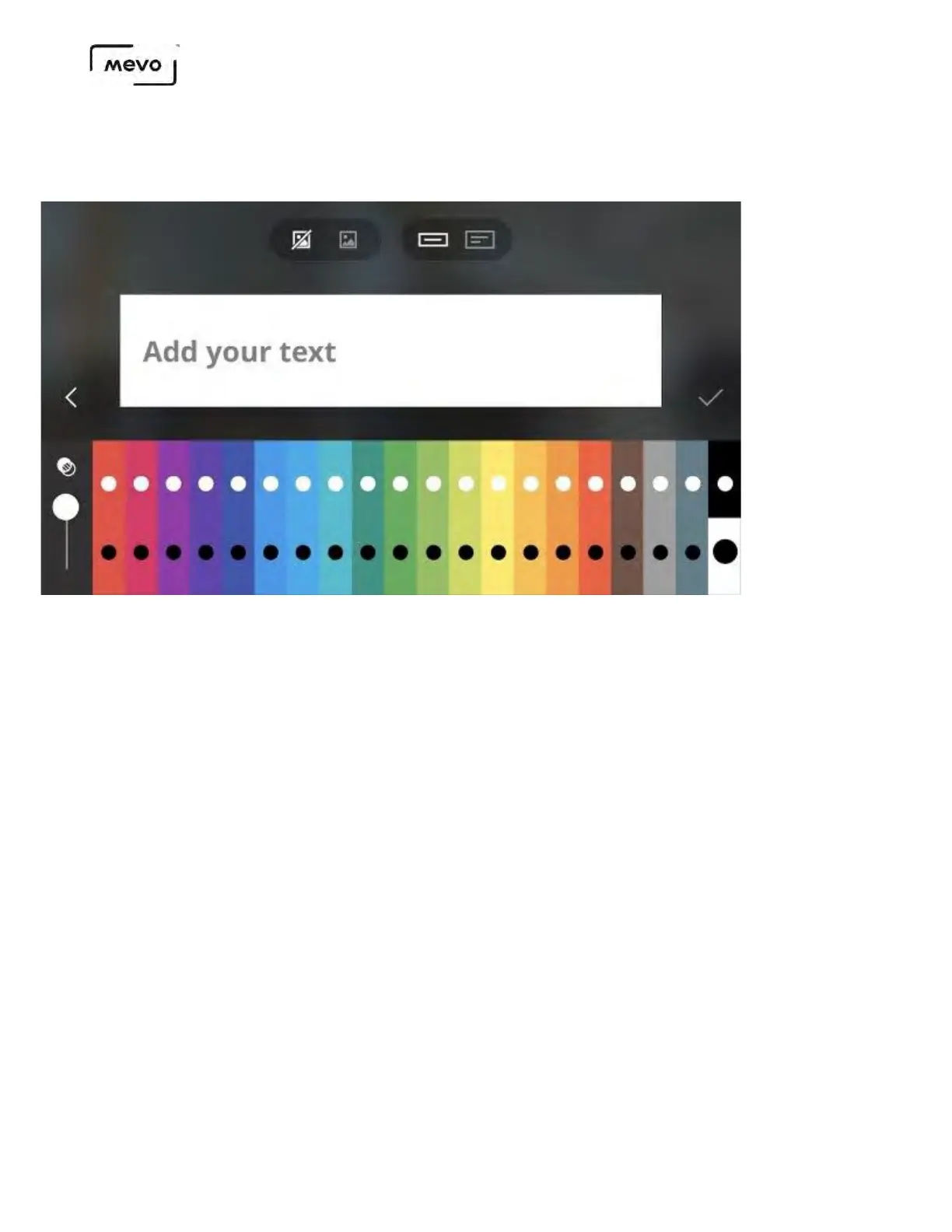
By default, you will see a single-line white lower third.
To use an image in the lower third, tap the image icon above the overlay. Allow Mevo to access your
phone's camera and photos. You can then take a photo or select an image from your device's library to
be in your lower third.
You may tap the painter's palette on the right side to return to the color palette while keeping the
Mevo Start User Manual
Page 127



 To Next Page