Add a Countdown Graphic
Version 1.12 of the Mevo app introduces the ability to display countdowns as graphics overlays. You can
configure it to countdown either from a certain amount of minutes (as many as 59) or to a scheduled
time.
To access this feature, you must have a Vimeo Producer or Vimeo Premium plan; learn how to subscribe
here. You will also need a supported microSD card inserted into your Mevo camera.
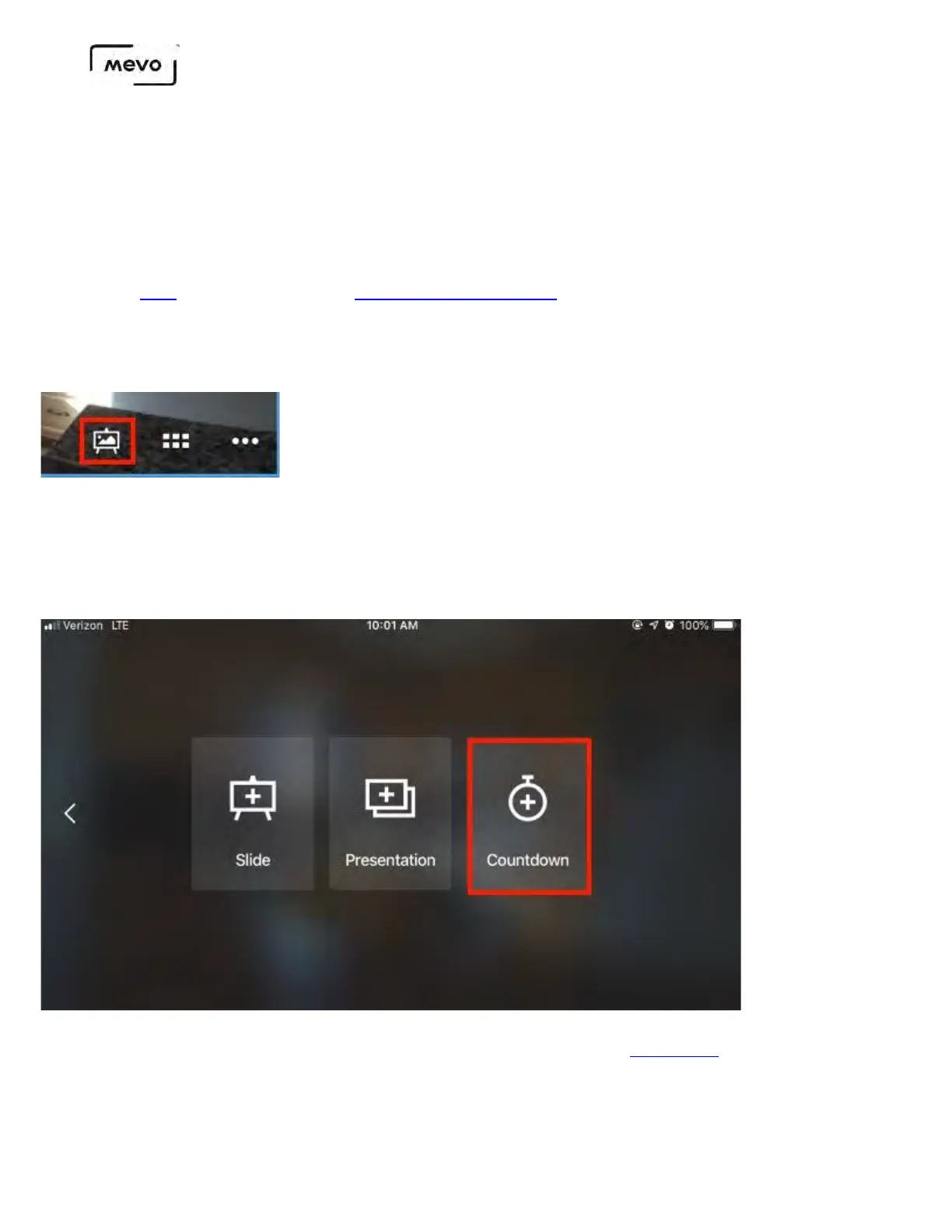
From the live production screen in the Mevo app, tap the canvas icon to open the graphics overlay
editor.
Countdowns can be added to either full screen graphics or over-the-shoulder graphics. Choose
which overlay type you want to use (this example will use full screen).
Select Countdown.
Presentation lets you import a slideshow PDF; learn more.
Mevo Start User Manual
Page 155



 To Next Page