How to Delete Graphic Overlays
When you build graphic overlays for Mevo, they are stored on your microSD card. When you are done
using them, you can delete them permanently via the Mevo app.
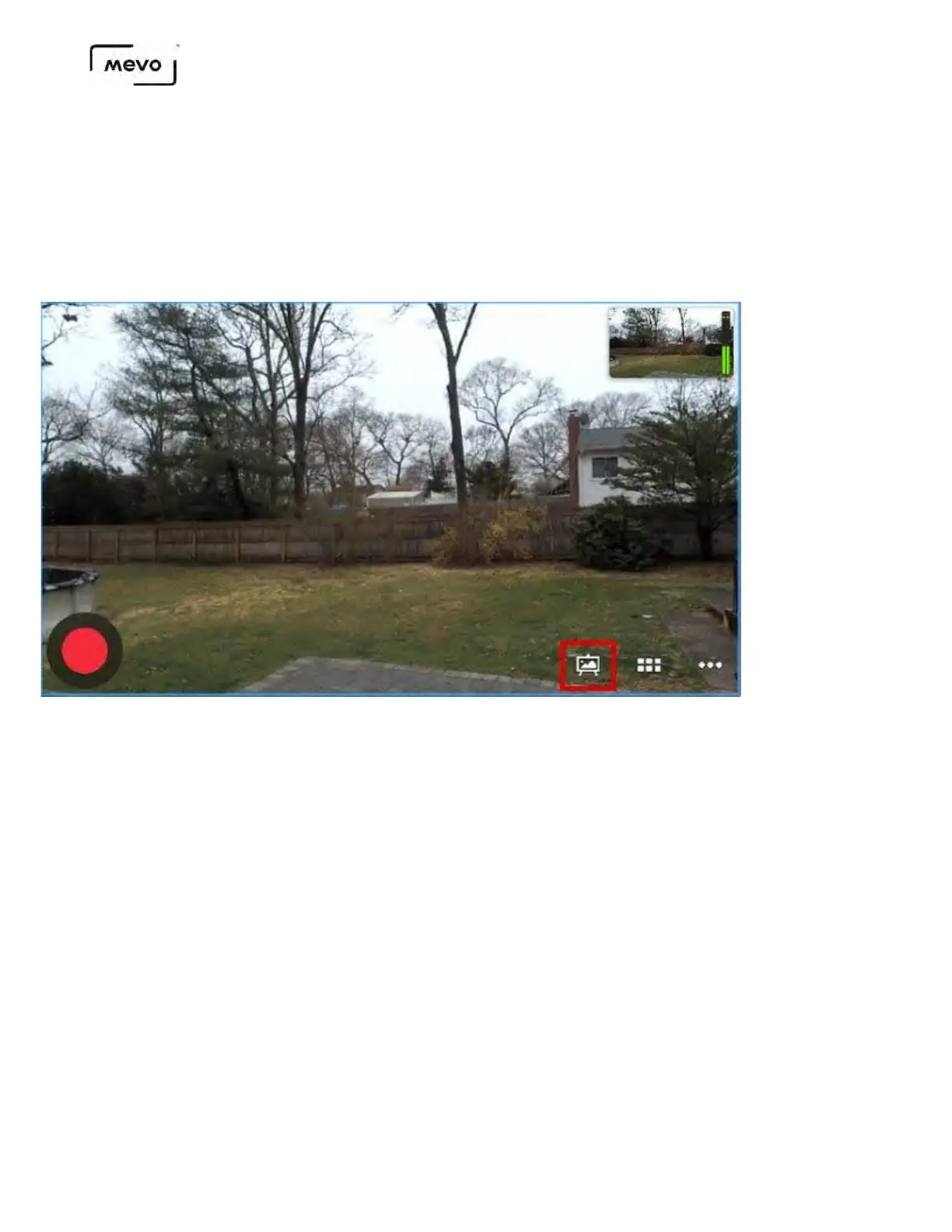
From the live edit view, tap the canvas icon.
Select the type of graphic: lower third, over the shoulder, or corner bug (this example shows lower
thirds)
Mevo Start User Manual
Page 172



 To Next Page