Switching Between Multiple Graphics Overlays
You can prepare multiple graphics overlays for your event and switch between them while streaming live.
To access this feature, you must have a Vimeo Producer or Vimeo Premium plan; learn how to subscribe
here. You will also need a supported microSD card inserted into your Mevo Start camera.
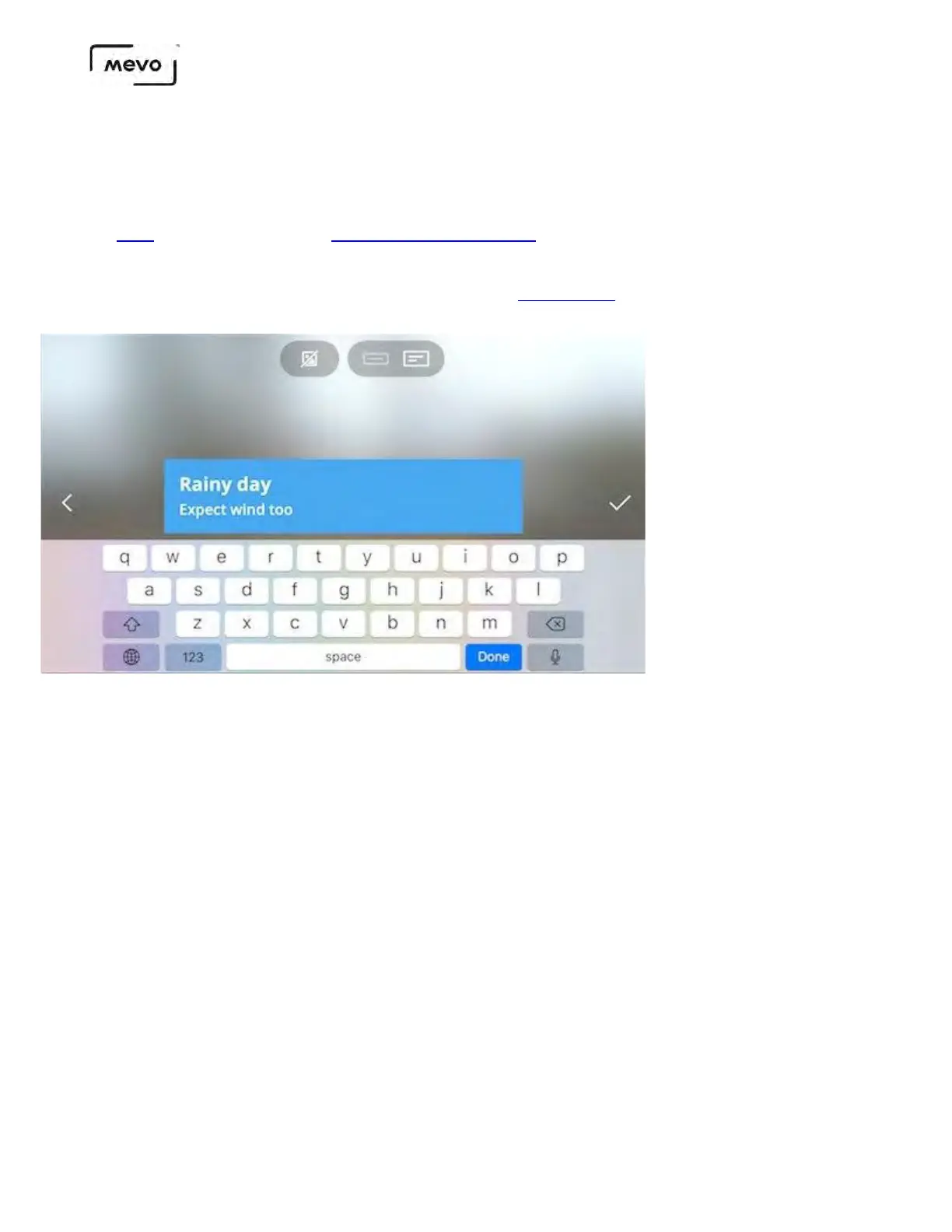
First, build a few graphics overlays; this example will use lower thirds, but all overlay options can be
switched the same way.
To build multiple using the same color scheme or design, go into your graphics list, tap the more options
(•••) icon next to your first graphic, then select the copy icon on the left side to create a copy of it; you can
then simply change the text and save it.
Mevo Start User Manual
Page 165



 To Next Page