Echo Suppression
Echo Suppression is a handy feature for customers using the headphone jack or the built-in mobile device
microphone to bring in audio. In addition, customers monitoring their audio via the Mevo app should also
turn on this feature to prevent audio feedback from playing back in their stream and/or recording.
This feature is only available for iOS devices.
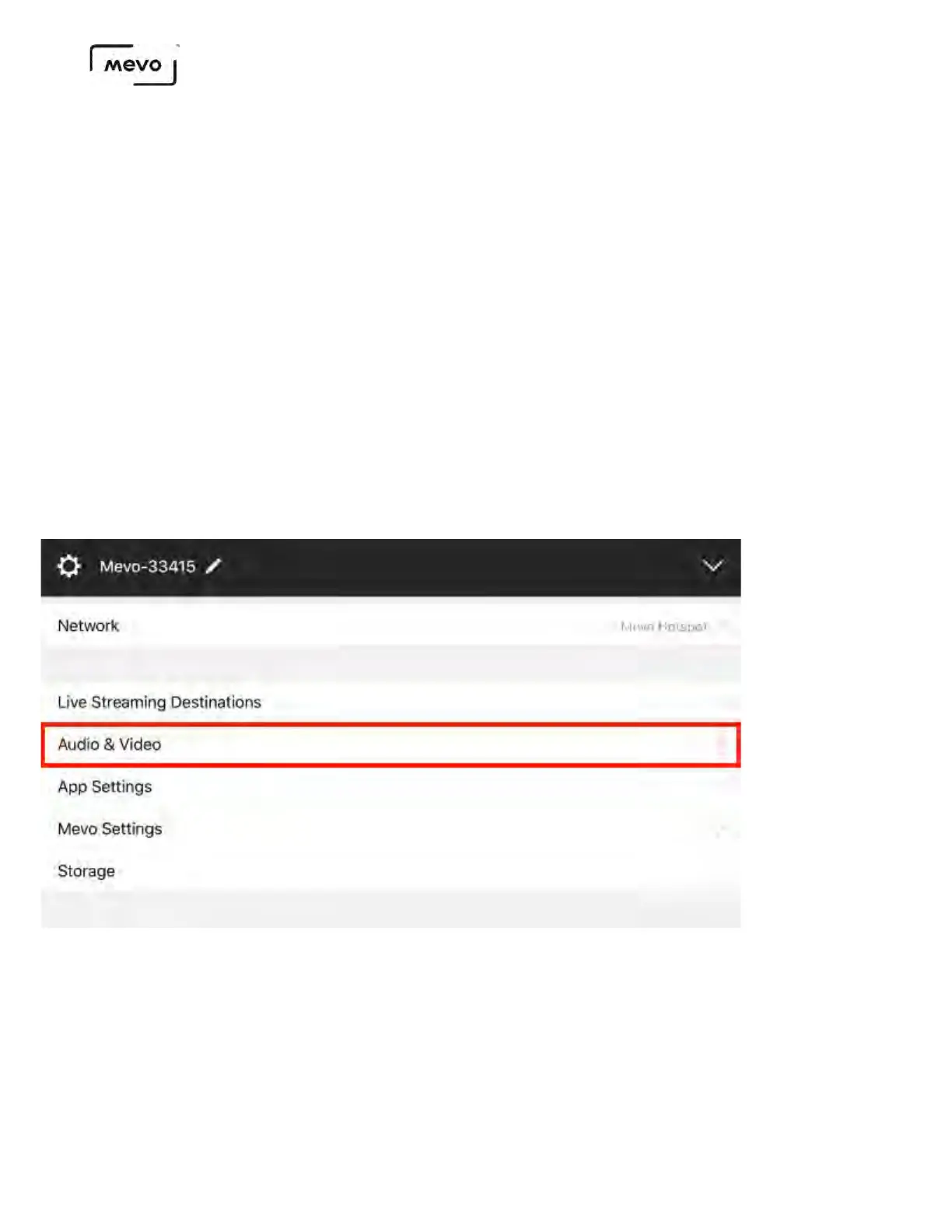
To enable Echo Suppression, navigate to settings and scroll down to the the Audio & Video menu.
Scroll down to find Echo Suppression. By default, it is turned off. Tap the switch to enable Echo
Suppression, then close the settings.
This only applies to external audio sources and not Mevo's built-in microphone. Please note that this
feature will disable the use of lightning audio devices.
Mevo Start User Manual
Page 98



 To Next Page