How Do I Find, Save, and Share my Recordings?
Recorded content from Mevo Start can be uploaded to any video hosting provider, including
Livestream, YouTube, Vimeo, Facebook, Twitter and more.
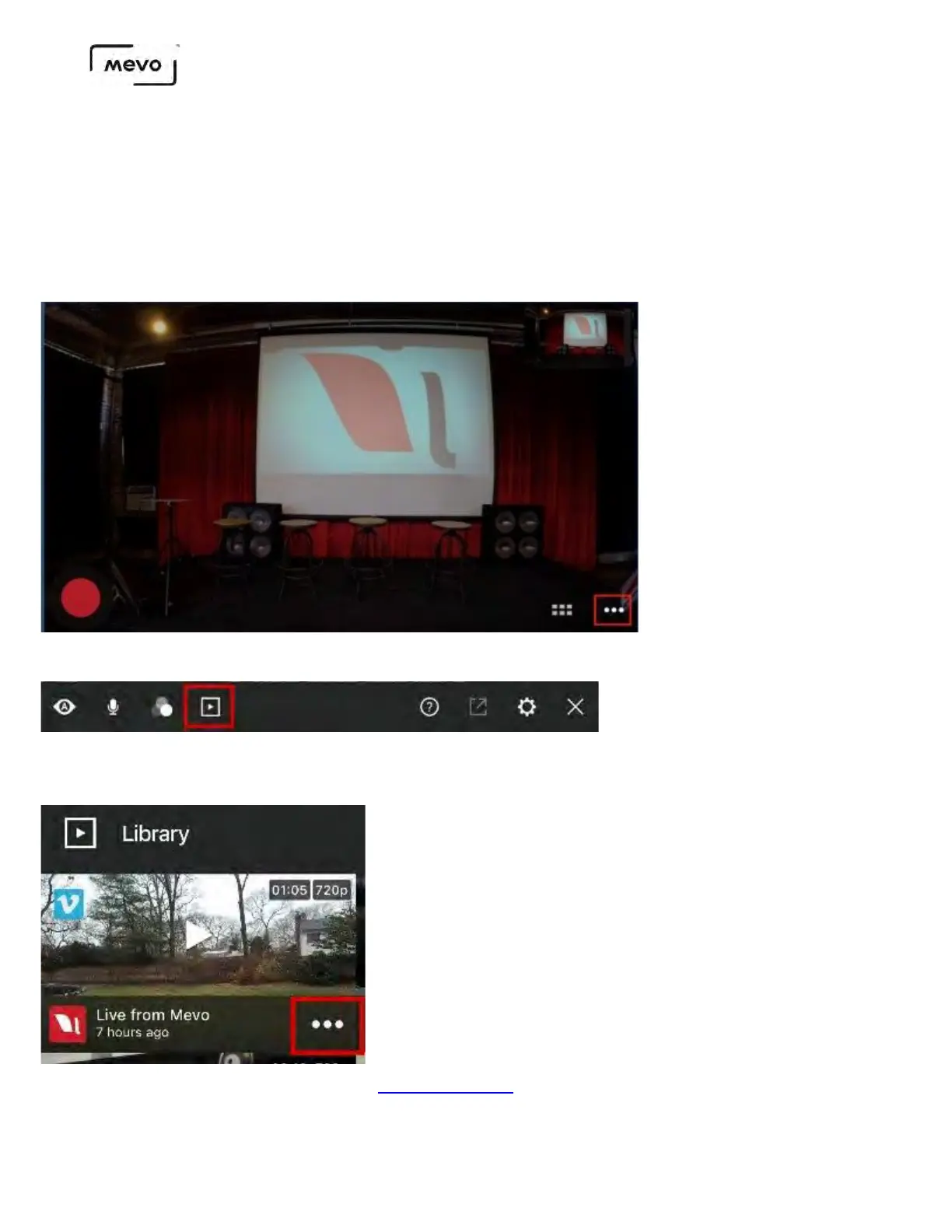
First open the More Options menu to find your recordings in your library.
Tap the (•••) icon in video you want to share.
You will see a few options. First, you can upload to Vimeo directly from the Mevo app.
Mevo Start User Manual
Page 54



 To Next Page