Stream to Twitter and Periscope with Mevo Start
Once you power on Mevo Start, launch the Mevo app, and connect Mevo to your mobile device, you will
be brought to your live editor view.
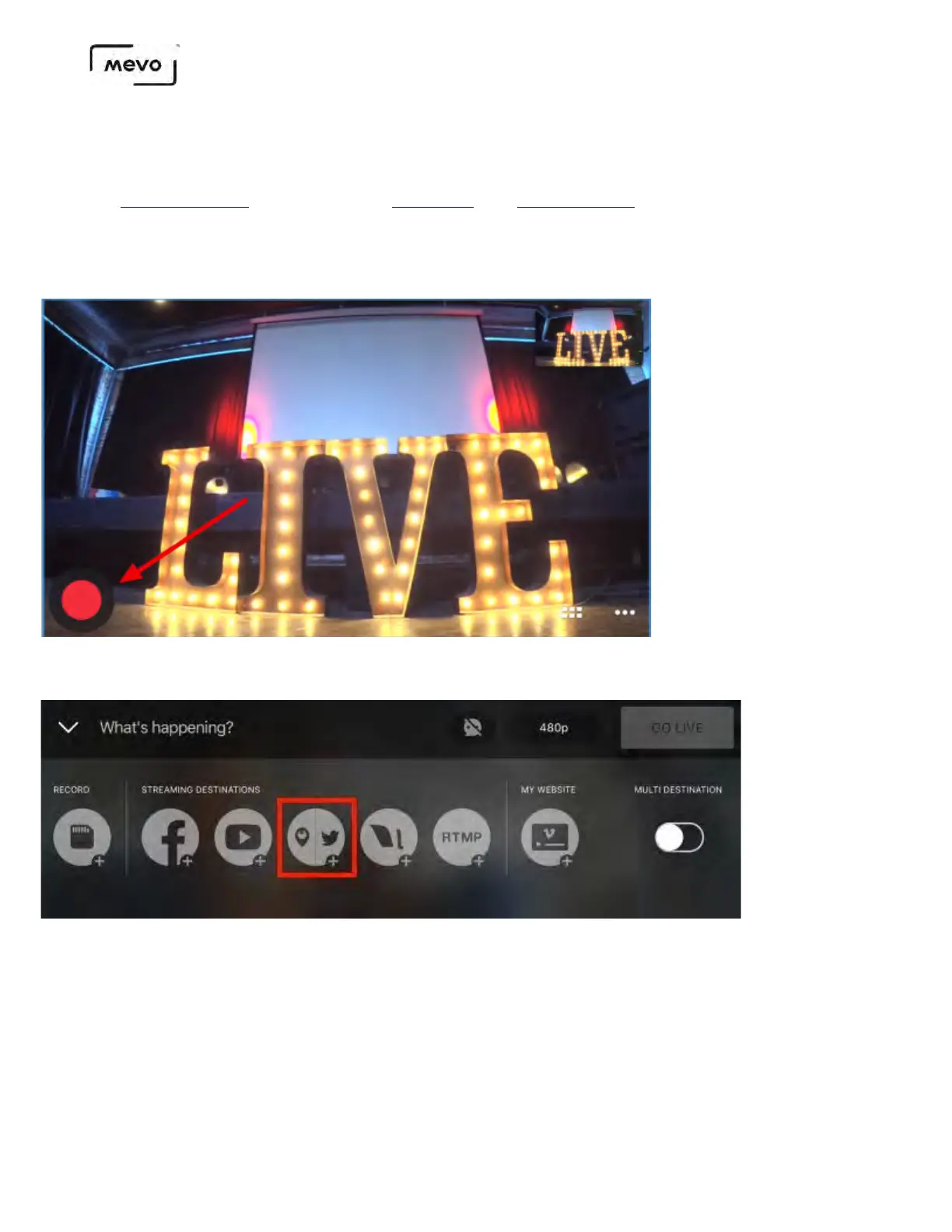
Tap the red button in the lower right corner.
Tap the Periscope/Twitter icon.
A browser will open prompting you to log in to your Periscope account. Once you are logged in, it will
prompt you to authorize Mevo to access your Periscope account. Scroll down and tap Authorize.
After authorizing Mevo, you will see a pop-up alert informing you that Periscope's streaming quality
will be locked at 720p. Tap Confirm to continue.
Mevo Start User Manual
Page 68



 To Next Page