Upload Recordings to Vimeo
Mevo has an integration with Vimeo that allows you to upload recordings from your microSD card to your
Vimeo account directly from the Mevo app.
You must have an external internet connection (Local Wi-Fi, Ethernet, or 4G USB modem) in order to use
this feature. Uploading to Vimeo does not work if you are connected via the Mevo hotspot.
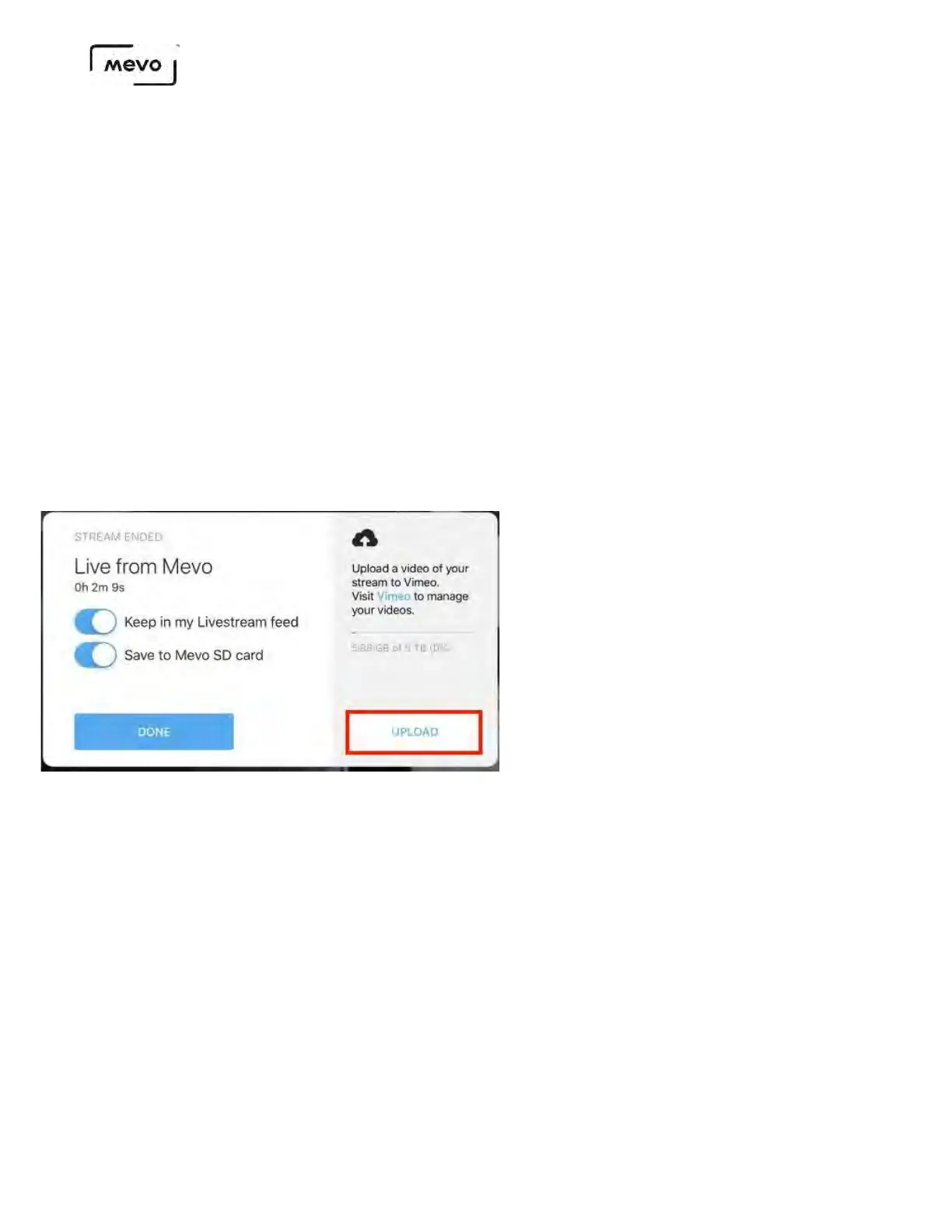
If you have a microSD card inserted and end a stream to any provider, you will see an Upload option in
the bottom right corner of the Stream Ended panel.
This option is only available if Save to Mevo SD card is toggled on.
You will need to log into your Vimeo account if you are not already. Once you do, you can give your
video a title, description, and set a privacy setting for it. Once you're done, tap Upload.
Mevo Start User Manual
Page 82



 To Next Page