How Does Mevo Start Communicate With My
Mobile Device?
In order for the Mevo App to detect a nearby Mevo Camera, you must have Bluetooth & Wifi enabled on
your mobile device.
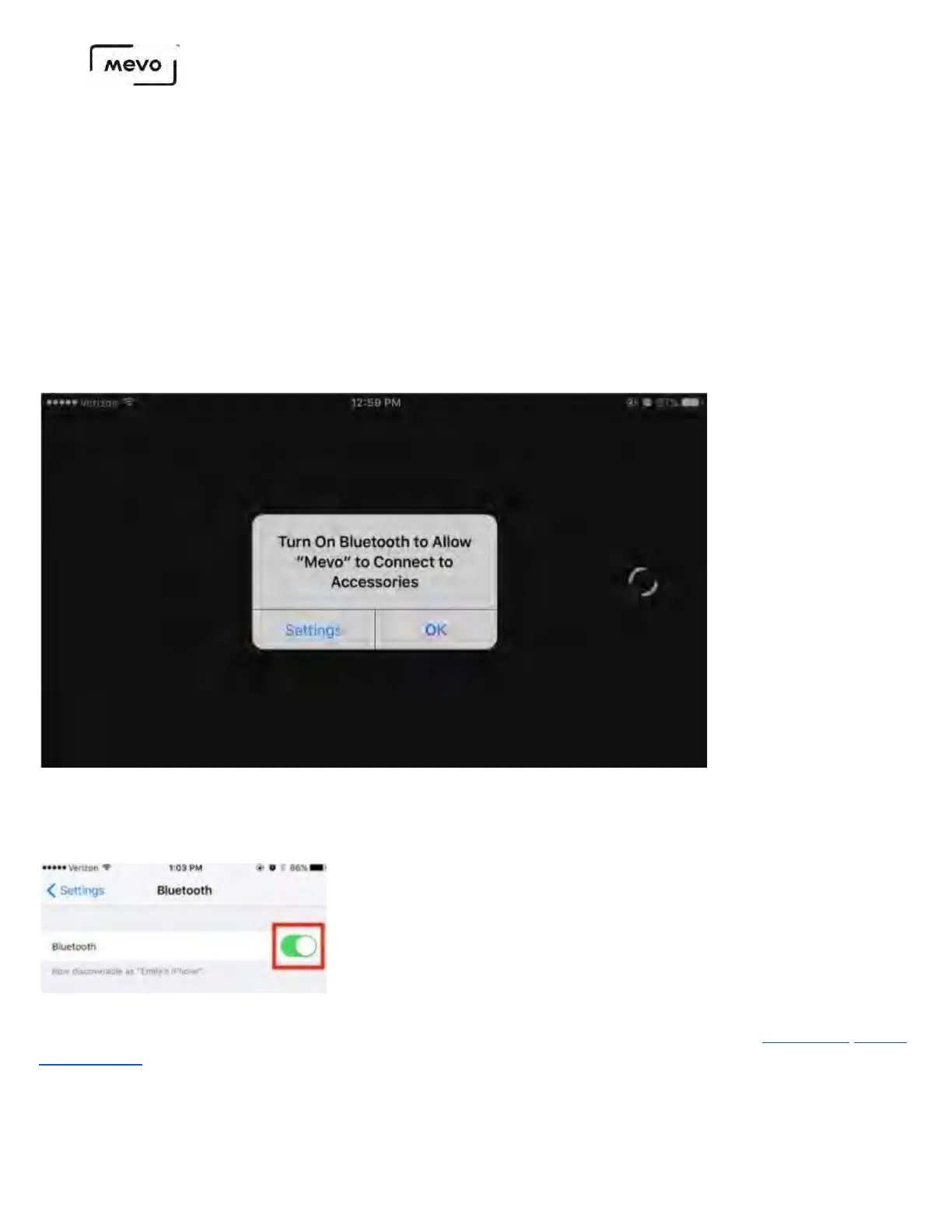
If you launch the Mevo app but do not have Bluetooth enabled, the app will prompt you to turn it on.
Tap Settings.
You will be redirected to the Bluetooth settings menu. Toggle the switch to On. It will take a brief moment to
turn on.
Once you have Bluetooth turned on, go back to the Mevo app and you can proceed with pairing the app to
your camera
Mevo Start User Manual
Page 6



 To Next Page