We are continually testing more products and will update this list as we find more compatible audio
sources.
Using an External Audio Source With Mevo
You may use an external audio source with your Mevo Start, via your Start’s 3.5m Input, USB-C port,
mobile device's 3.5mm port, lightning port, or using the Mevo Mic app.
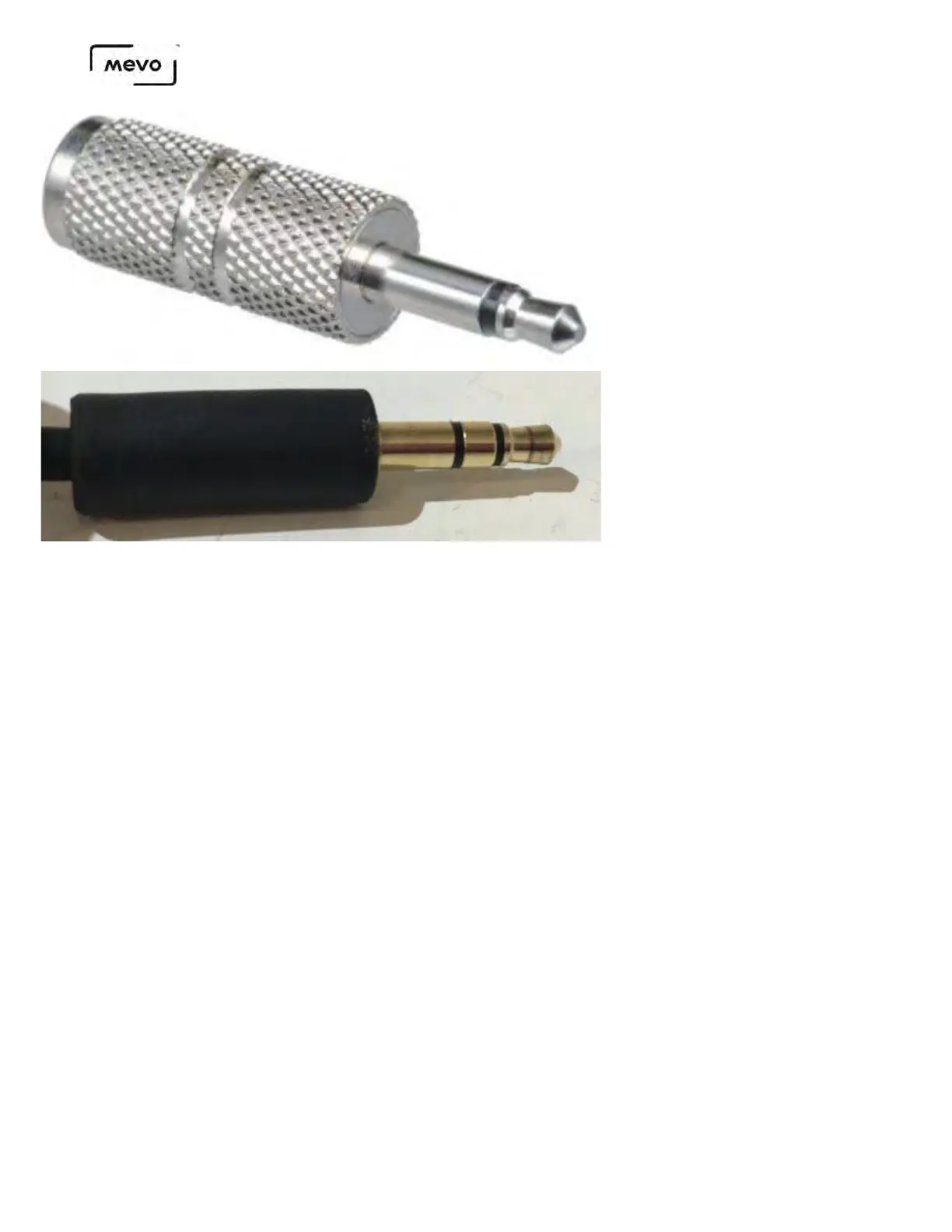
To bring audio in through your device's headphone port, you need a device that outputs audio via a
3.5mm TRRS plug or via a lightning plug (iOS devices only).
The easiest example of what one looks like is your mobile device's supplied earbuds, most of which
include a built-in microphone. If you look at the plug on these earbuds, you will see three thin rings in
between four wider chrome rings, indicating the device can sent audio out in addition to receiving audio.
Mevo Start User Manual
Page 93



 To Next Page