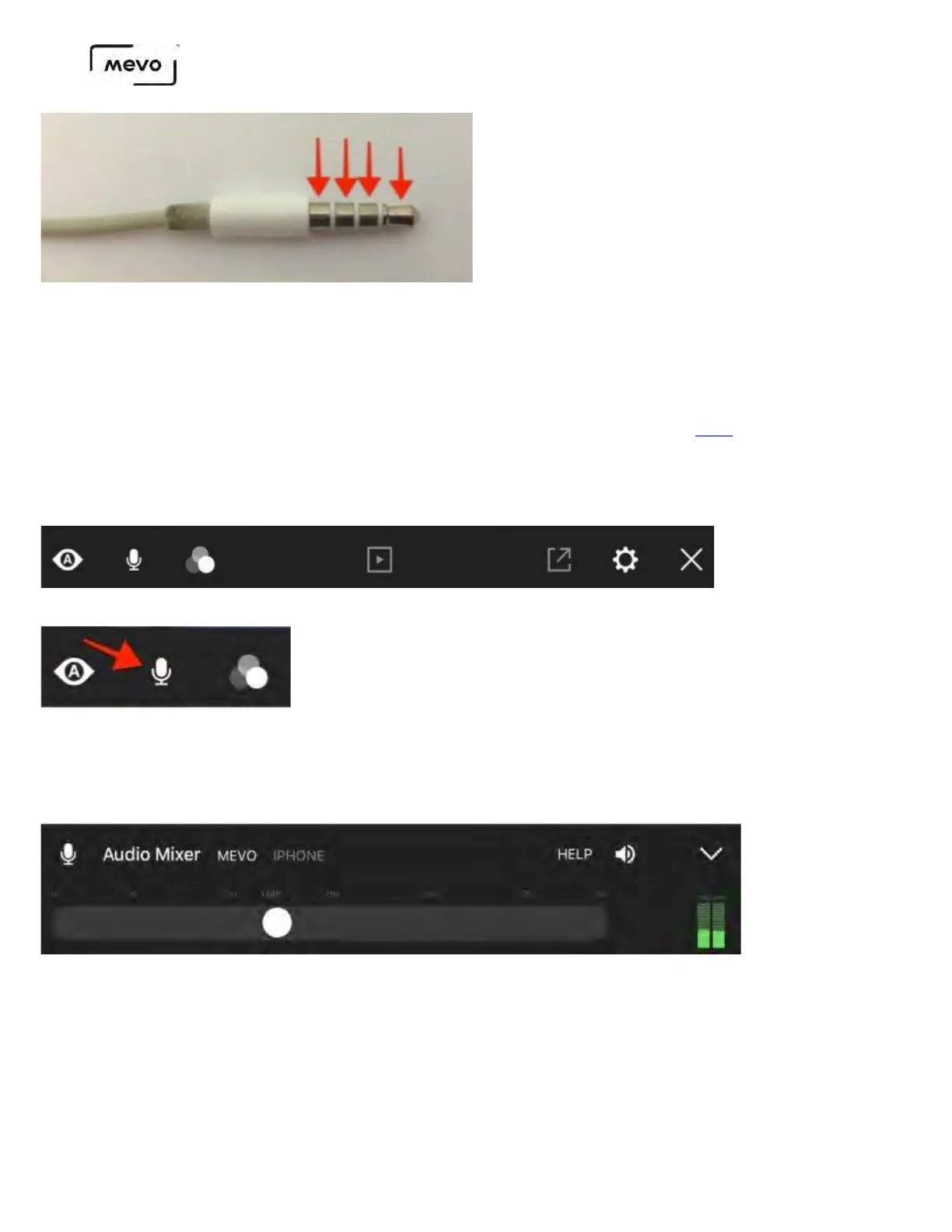
If your 3.5mm plug does not have this appearance (i.e. only 2 rings), then your mobile device cannot receive
audio from it.
If your mobile device does not include a headphone port, use the headphone adapter that comes with it to
attach a TRRS plug to your device. Additionally, some supported audio devices attach via lightning or USB.
Be sure to review our supported external audio devices here.
Plug your external audio input into your mobile device. Once you have connected your Mevo to your
app, open the main menu by tapping the More Options icon (•••) in the bottom right corner of the live
edit view. The below menu will appear.
Tap the microphone icon on the left side to open the Audio Mixer.
In the Audio Mixer, you will see Mevo is selected by default and iPhone is grayed out (if you are using
an Android device, this will say Phone instead).
Tap iPhone (Phone on Android) to use your external audio input. If you don't have any devices
connected to your mobile device, your device's built-in microphone will be used instead.
Mevo Start User Manual
Page 94



 To Next Page