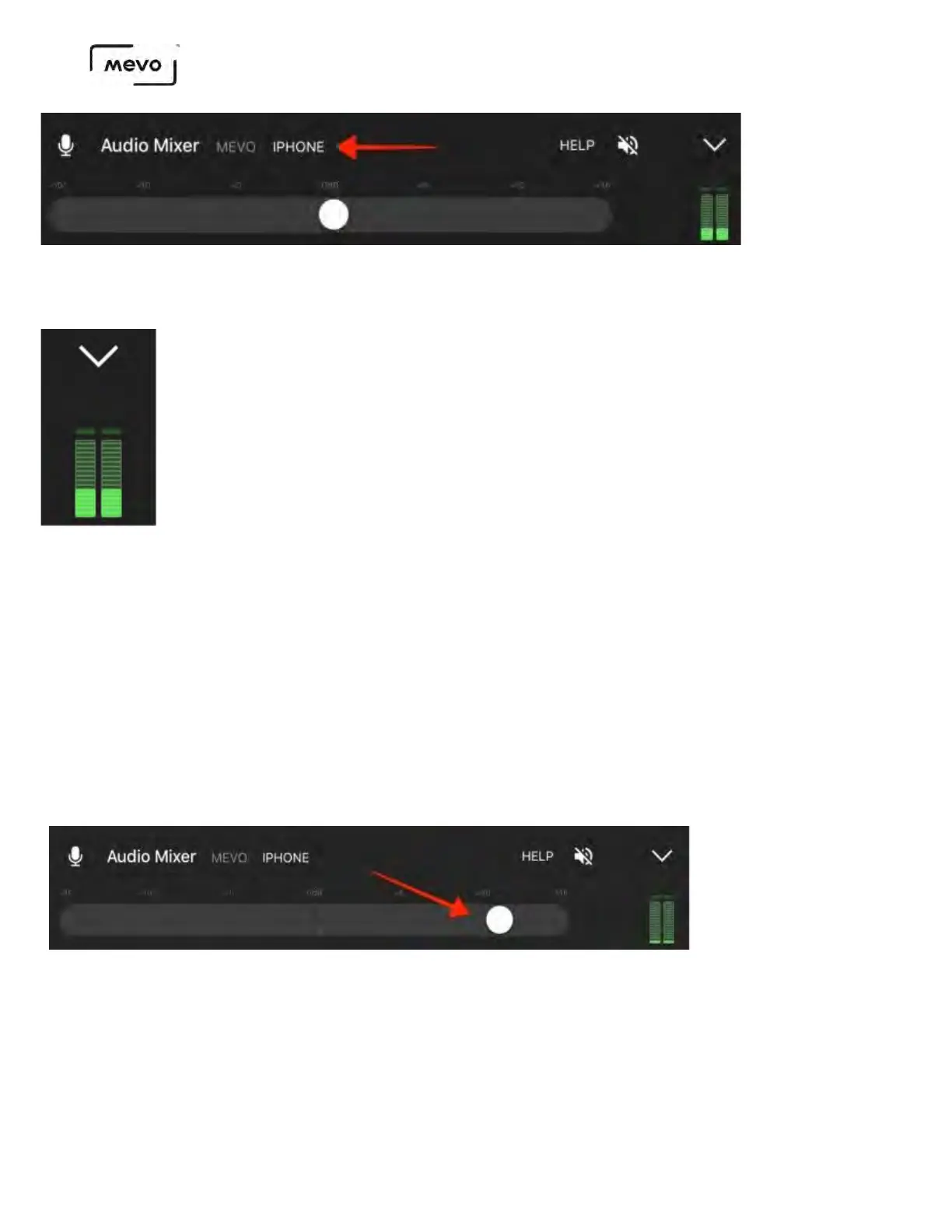
You will see your audio levels in the green bars to the right.
When inputting a stereo signal into the iPhone through the 3.5mm TRRS input, the output will be a mono
mix of the left and right audio channels. When inputting a stereo signal into the iPhone through the
Lightning port or into a Mevo Boost via USB, the output will remain in stereo.
When using an external audio source, you should mute your audio output on the app by tapping the
speaker icon on the right side; this will help avoid an echo in your stream and recording.
In this instance, we recommend pushing a test stream to your destination (e.g. stream to Facebook
but select Only Me as the audience) and checking your audio quality there prior to your event.
You can adjust your audio gain up and down with the slider bar to further adjust your levels.
Otherwise, you can control your audio device just as you would in any other production setup.
Mevo Start User Manual
Page 95



 To Next Page