Create a Full Screen Graphics Overlay
You can create a full-screen graphics overlay with the Mevo. These graphics take over the entire screen
and are ideal for pre- and post-event slates or slides during a presentation.
To access this feature, you must have a Vimeo Producer or Vimeo Premium plan; learn how to subscribe
here. You will also need a supported microSD card inserted into your Mevo camera.
First, be sure you are running Mevo app version 1.9 or later.
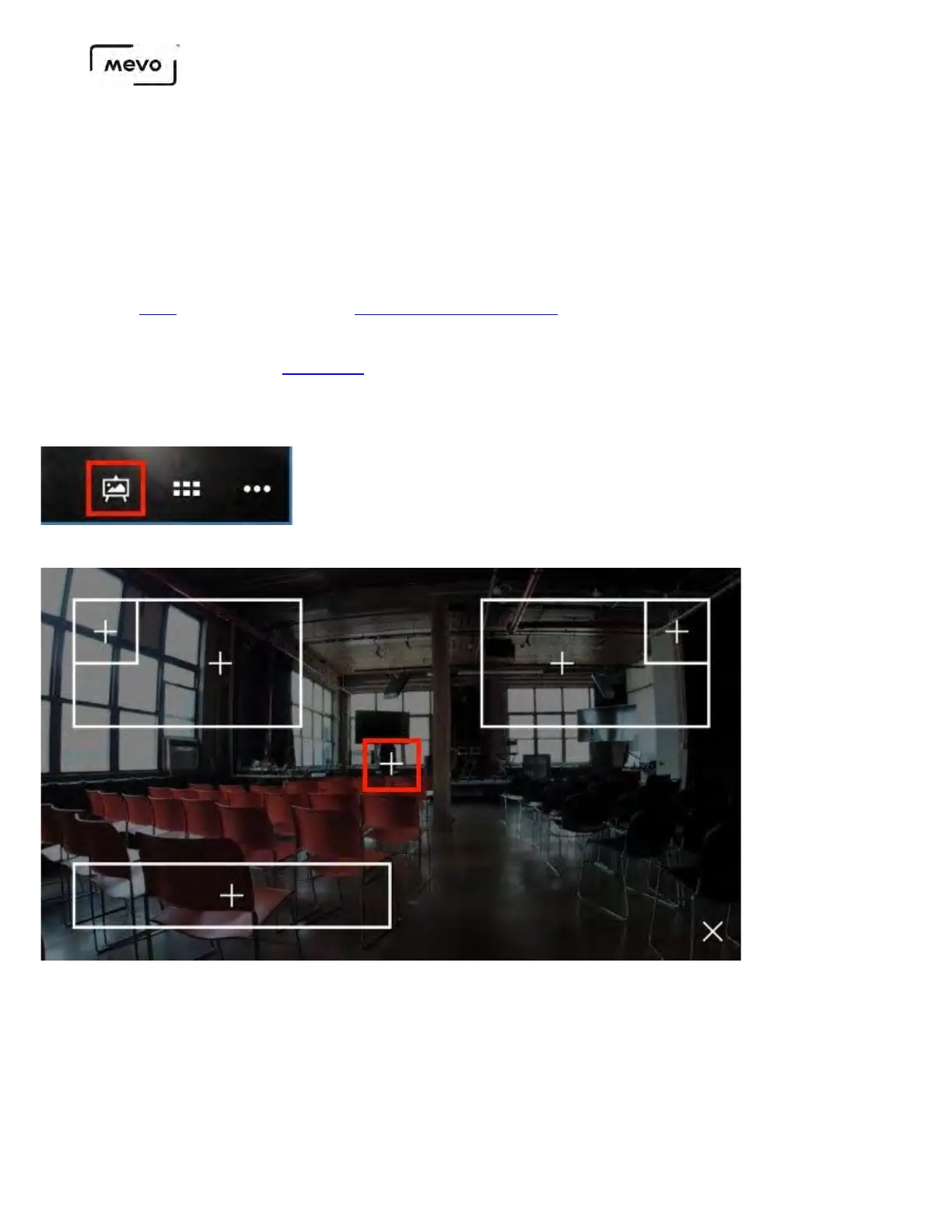
In the live edit view, tap the graphics overlay icon in the bottom right corner.
Tap the + in the middle of the screen.
Design your full-screen graphic. You can have a solid color with text or tap the camera icon to choose a
background image from your device's camera roll.
Mevo Start User Manual
Page 144



 To Next Page