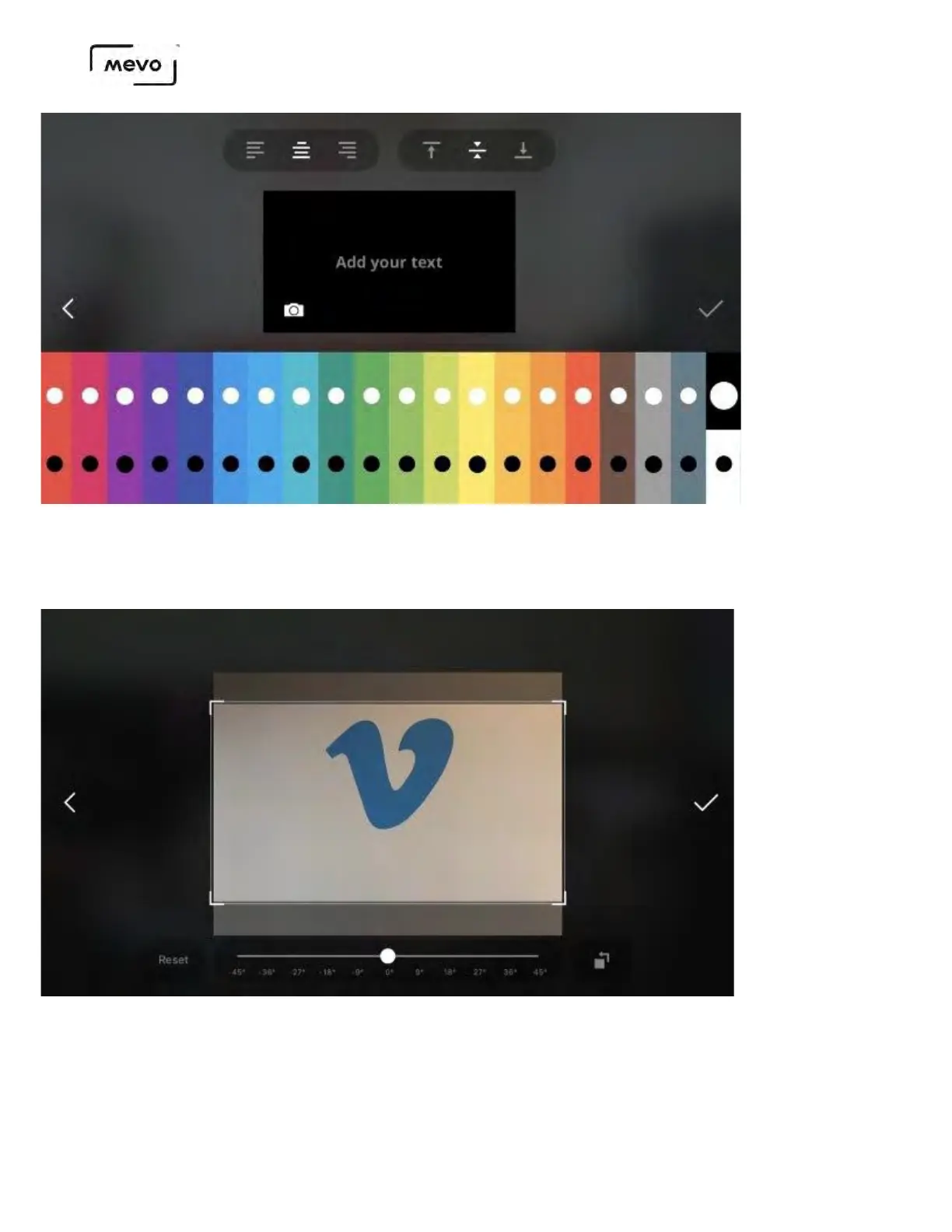
If you choose a photo, you may have to crop it to fit a 16:9 screen properly. You can also rotate it up to
45 degrees in either direction.
Tap the checkmark on the right side when you are done adjusting your image.
You can use the formatting options at the top of the screen to position your text as needed. When
your overlay is designed as desired, tap the checkmark on the right side to save it to your microSD
card.
Mevo Start User Manual
Page 145



 To Next Page