Stream to Livestream with Mevo Start
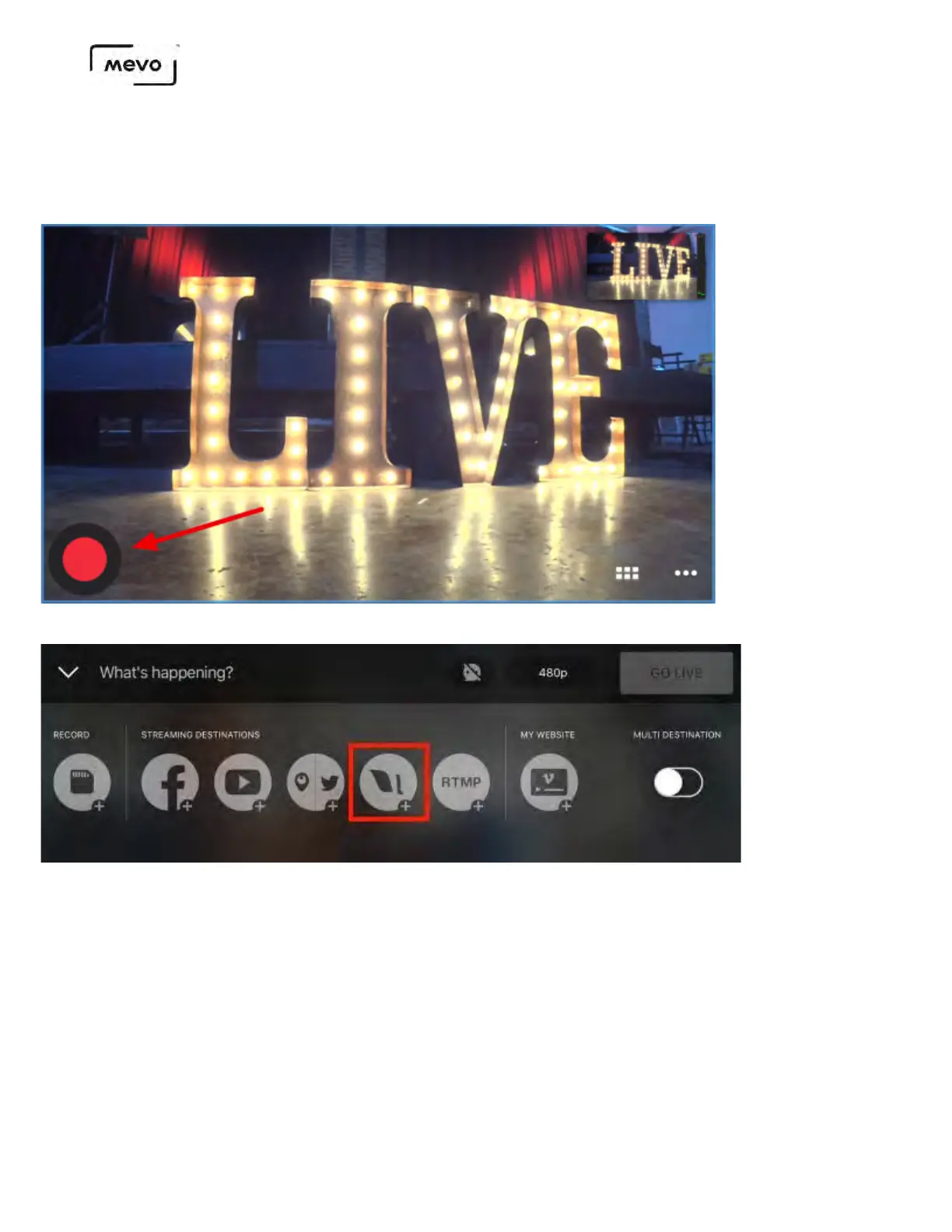
Once your Mevo Start is connected to the Mevo app, you should notice a red button in the bottom left
corner of the picture. Tap it to see more options.
To stream to Livestream, tap the Livestream logo in the menu that appears.
Log in to your Livestream account. Once you are logged in, you can configure your stream.
1. Create an event or select an existing one; swipe along the bottom to the left to see all of your
events.
2. Tap the gearwheel to toggle Livestream Chat and Notify Followers on and off; you will also see the
option to log out of your account.
3. Give your stream a title.
4. You can also toggle chat on and off here.
5. Select your streaming quality by tapping the menu in the upper right corner (720p is selected by
default).
Mevo Start User Manual
Page 61



 To Next Page