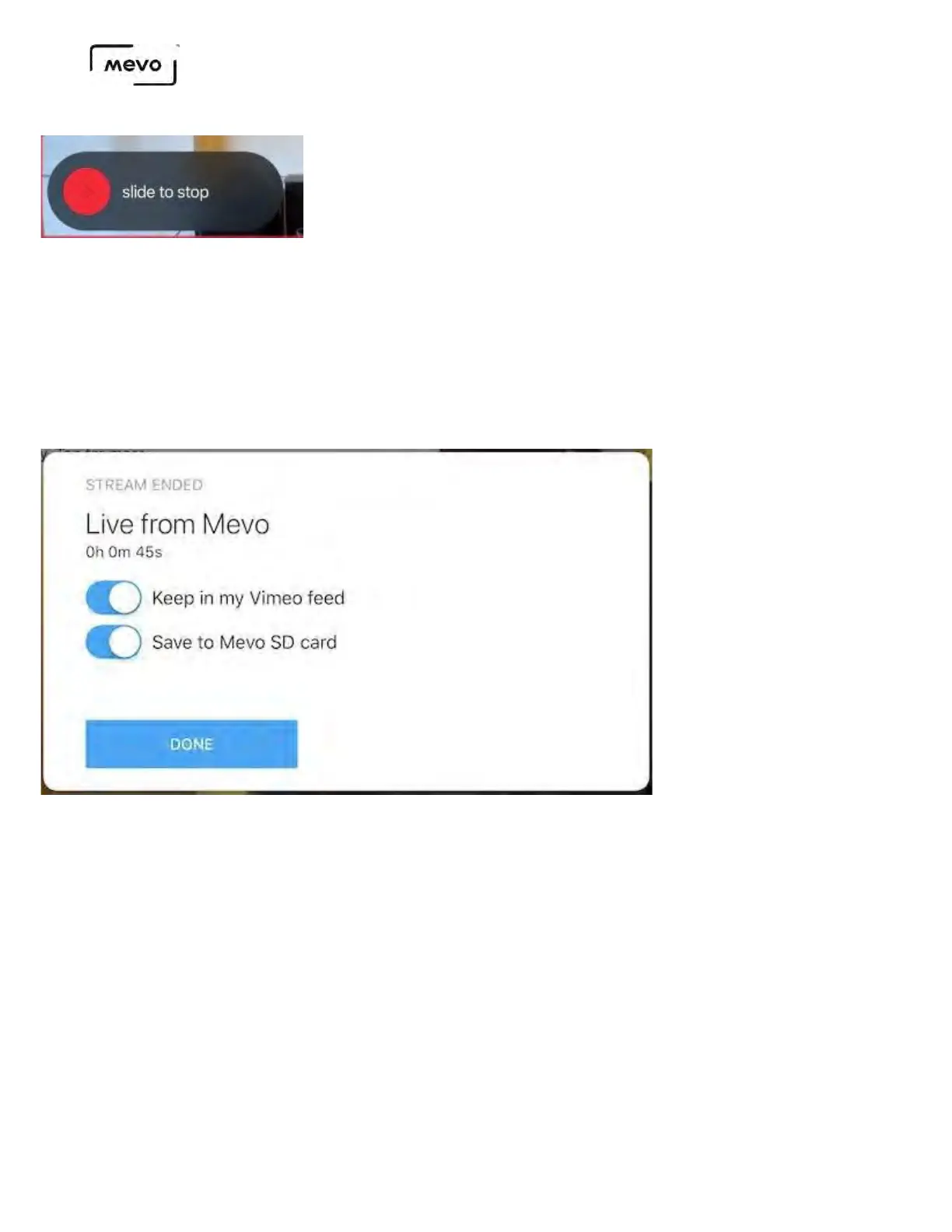
To end your stream, tap the small red dot, then slide the larger red dot to the right.
By default, "Keep in my Vimeo feed" will be toggled on; this will save the VOD to your Vimeo account. If
you do not wish to save the VOD to your account, you may toggle this switch off.
If you have a microSD card inside your camera, "Save to Mevo SD card" will be toggled on by default
indicating that a recording will save to your card; this is strongly recommended. If you do not wish to
keep a recording of your stream to your microSD, you may toggle this off.
When you have selected your save options, tap Done to return to the live edit view
Mevo Start User Manual
Page 60



 To Next Page