Connect to Mevo Start With a Local Wi-Fi Network
When you first power on your Mevo Start and open the Mevo app, by default the unit will prompt you to
connect to Mevo Start Hotspot mode. If you prefer to connect Mevo Start to your local Wi-Fi network,
follow the steps below.
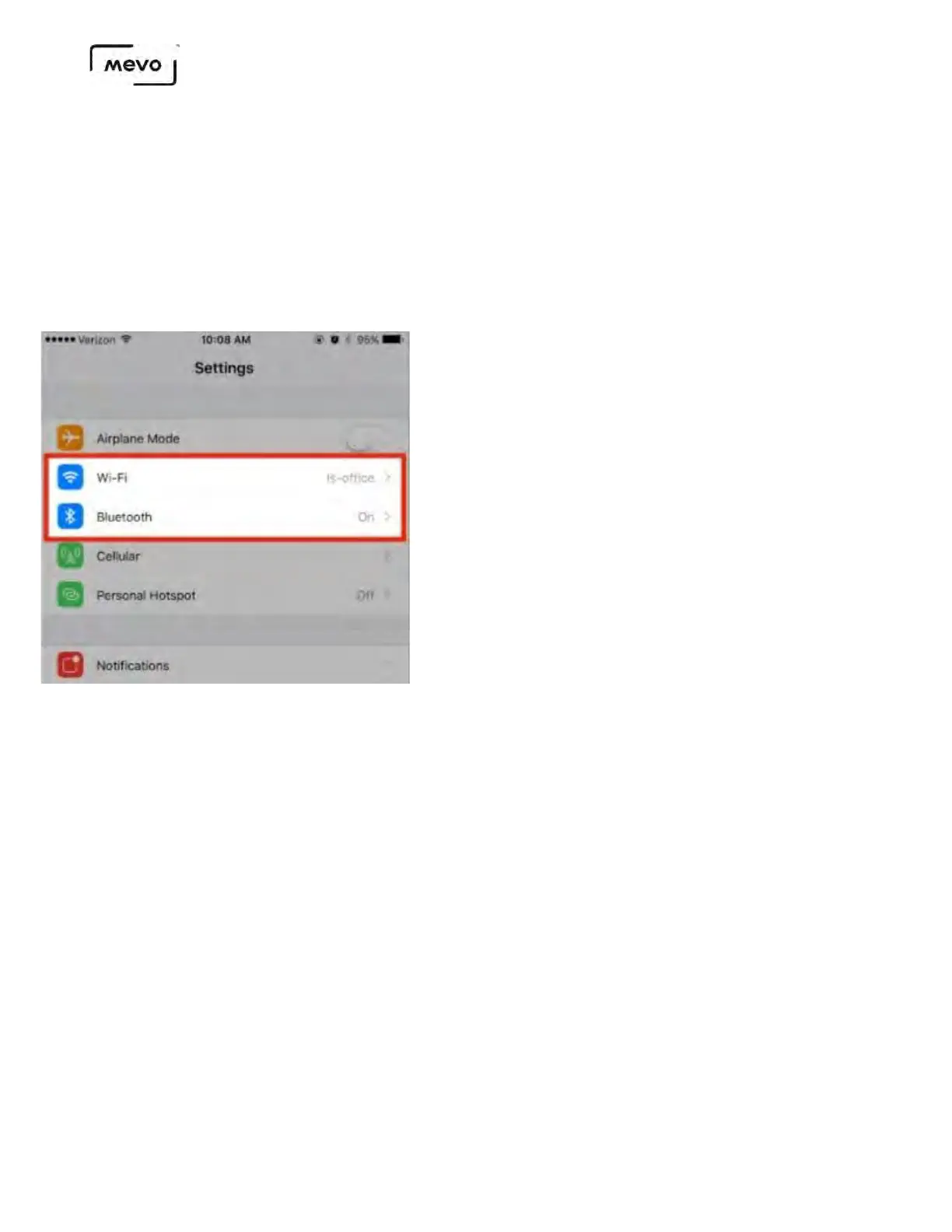
First, make sure both Wi-Fi and Bluetooth on your mobile device are enabled.
Launch the Mevo app.
Using Android? Click here for a shortcut.
Make sure your Android device is already connected to the desired Wi-Fi network, then launch the
Mevo app.
When your camera's connection card appears, tap the blue Connect button.
Mevo Start User Manual
Page 41



 To Next Page