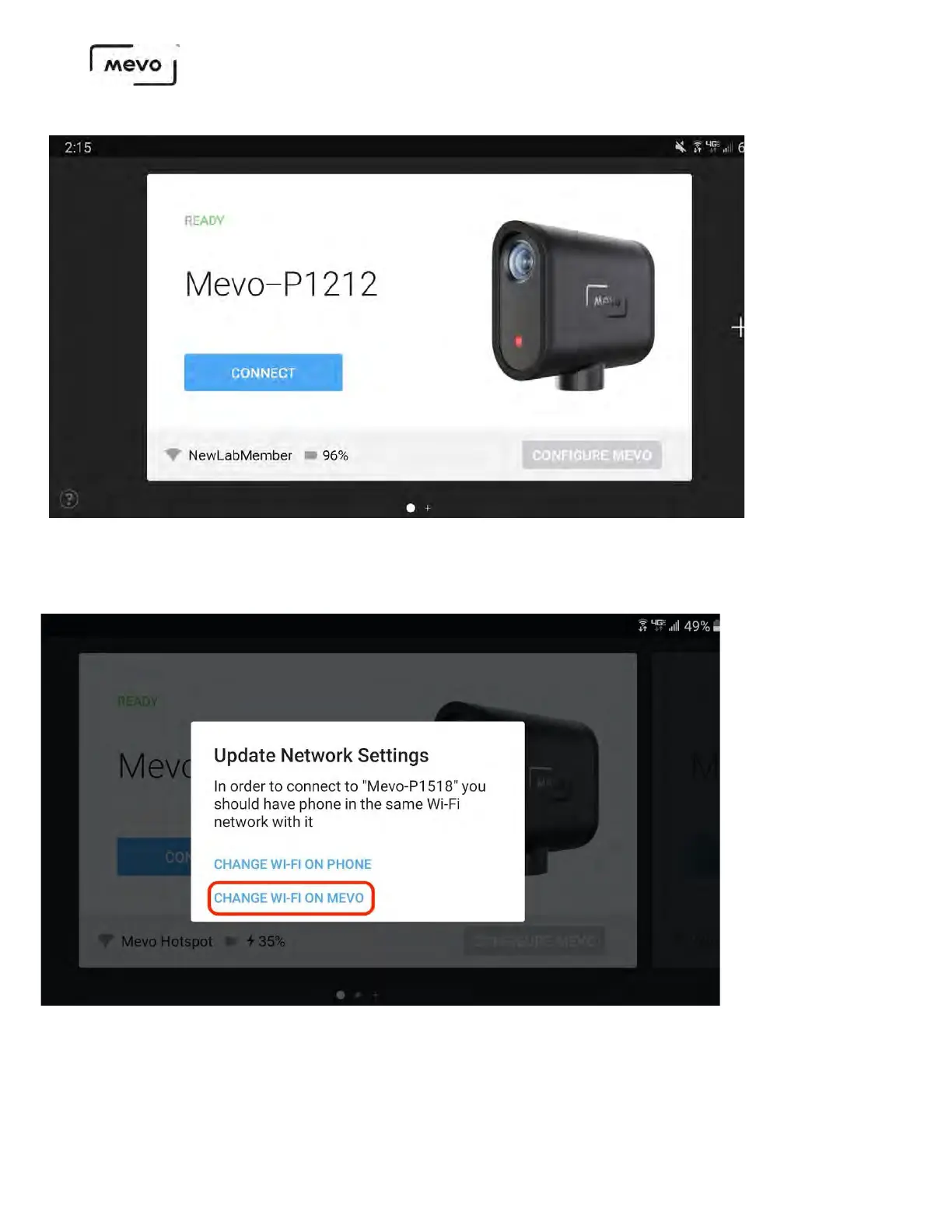
A message will pop up giving you two network options. Select Change Wi-Fi On Mevo.
After a moment, the app will prompt you to enter your Wi-Fi network's password (if necessary). After
doing so, Mevo will connect to your Wi-Fi network and the camera's live edit view will open on your
device. There is no need to follow the steps outlined below.
Mevo Start User Manual
Page 42



 To Next Page