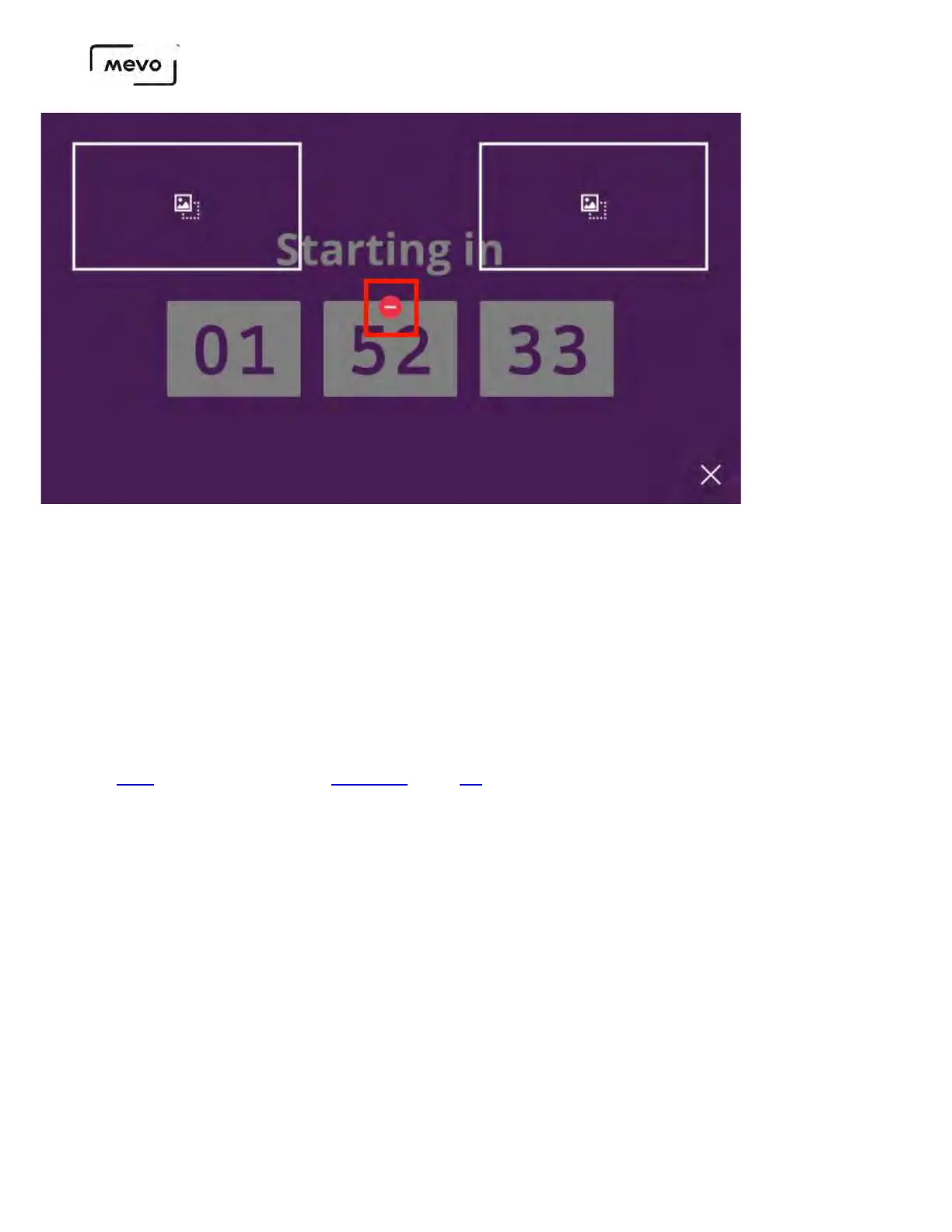
To apply the change, tap the checkmark that appears in the lower right corner.
Editing a Graphics Overlay
When you create a graphics overlay in the Mevo app, it saves to your microSD card. Because of this,
there is no direct way to edit a pre-existing graphic; instead, you can duplicate it and work off of the
copied version.
To access this feature, you must have a Vimeo Producer or Vimeo Premium plan; learn how to subscribe
here. You will also need a supported microSD card inserted into your Mevo Start camera.
In the live edit view, tap the canvas icon in the lower right corner to open the graphics preview screen,
then tap the type of overlay you wish to edit (lower third, corner bug, or over-the-shoulder - this example
Mevo Start User Manual
Page 160



 To Next Page