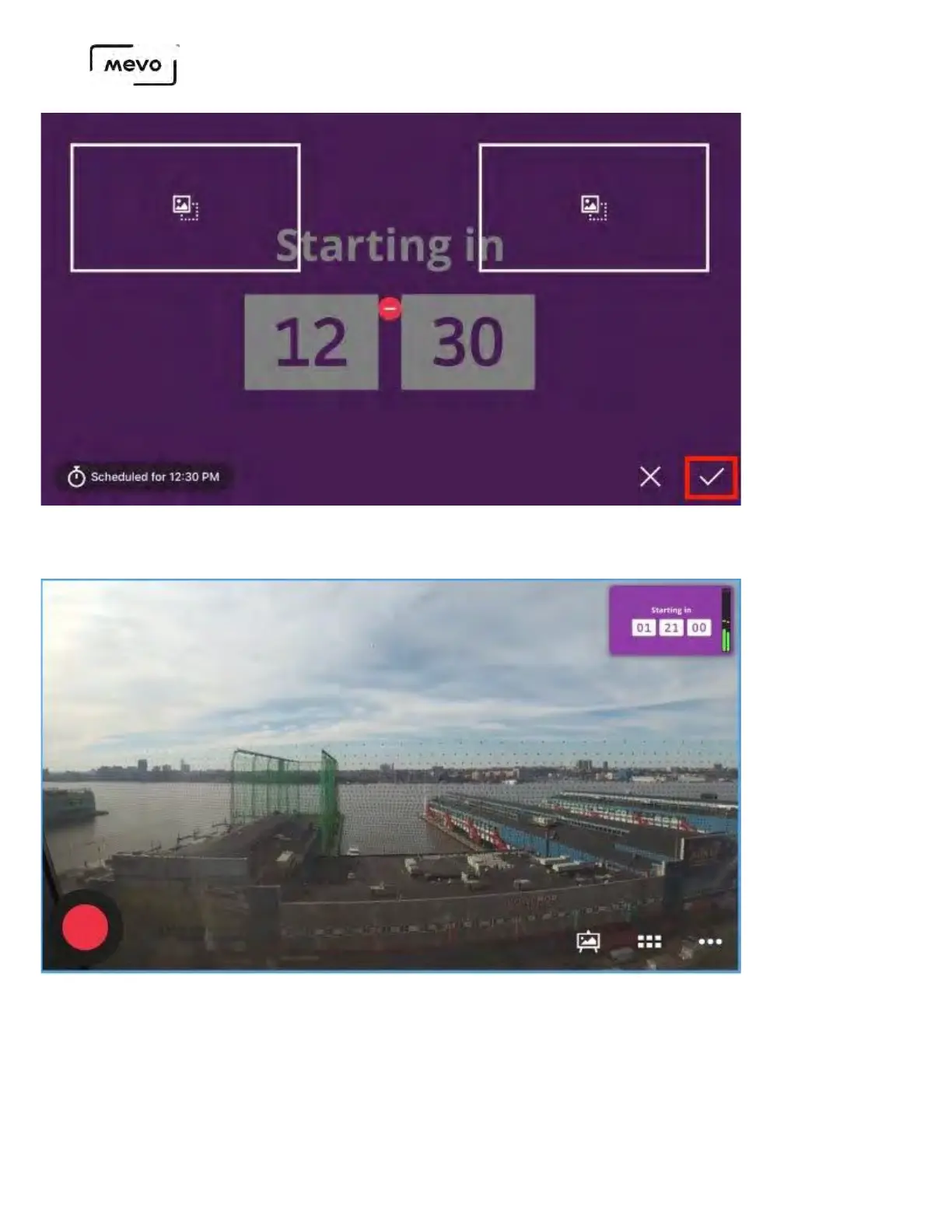
If you look at the live output overlay, you will see the countdown overlay has been applied to your
output.
When you want to remove the overlay from the output, tap the graphics icon in the lower right
corner, then tap the delete button over your graphic.
You can also switch overlay types here. For example, to switch from a fullscreen to an OTS slideshow, tap
one of the OTS placeholders to move the countdown.
Mevo Start User Manual
Page 159



 To Next Page