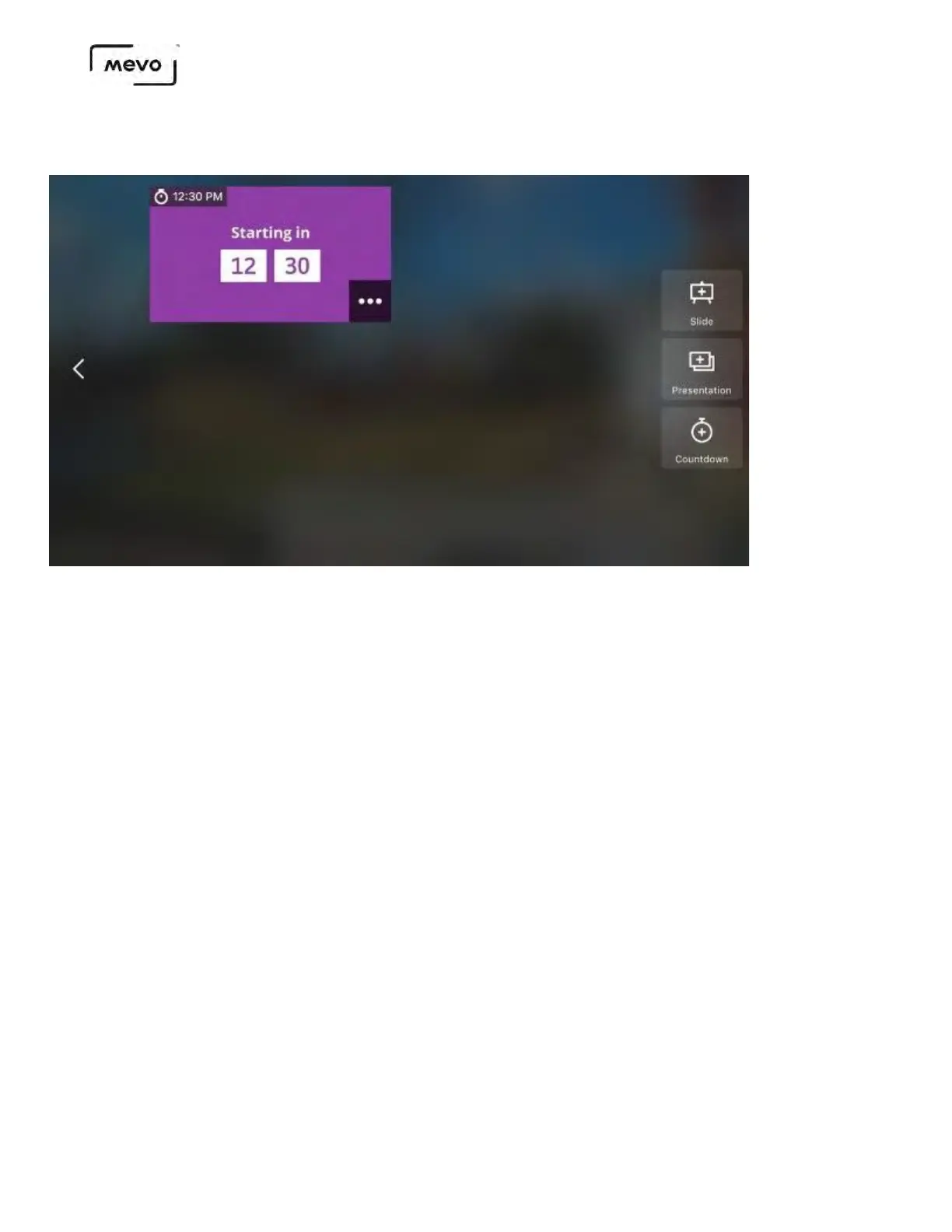
The overlay will upload to the microSD card inside your camera. From the list screen, tap the
countdown graphic to preview it as an overlay.
When you are satisfied with your overlay, tap the checkmark in the bottom right corner to apply the
overlay to your live output.
If you need to change the countdown time, tap the timer icon in the bottom right corner before applying the
overlay to the output. This will allow you to edit the time and will create a duplicate of the first timer overlay
you created.
Mevo Start User Manual
Page 158



 To Next Page