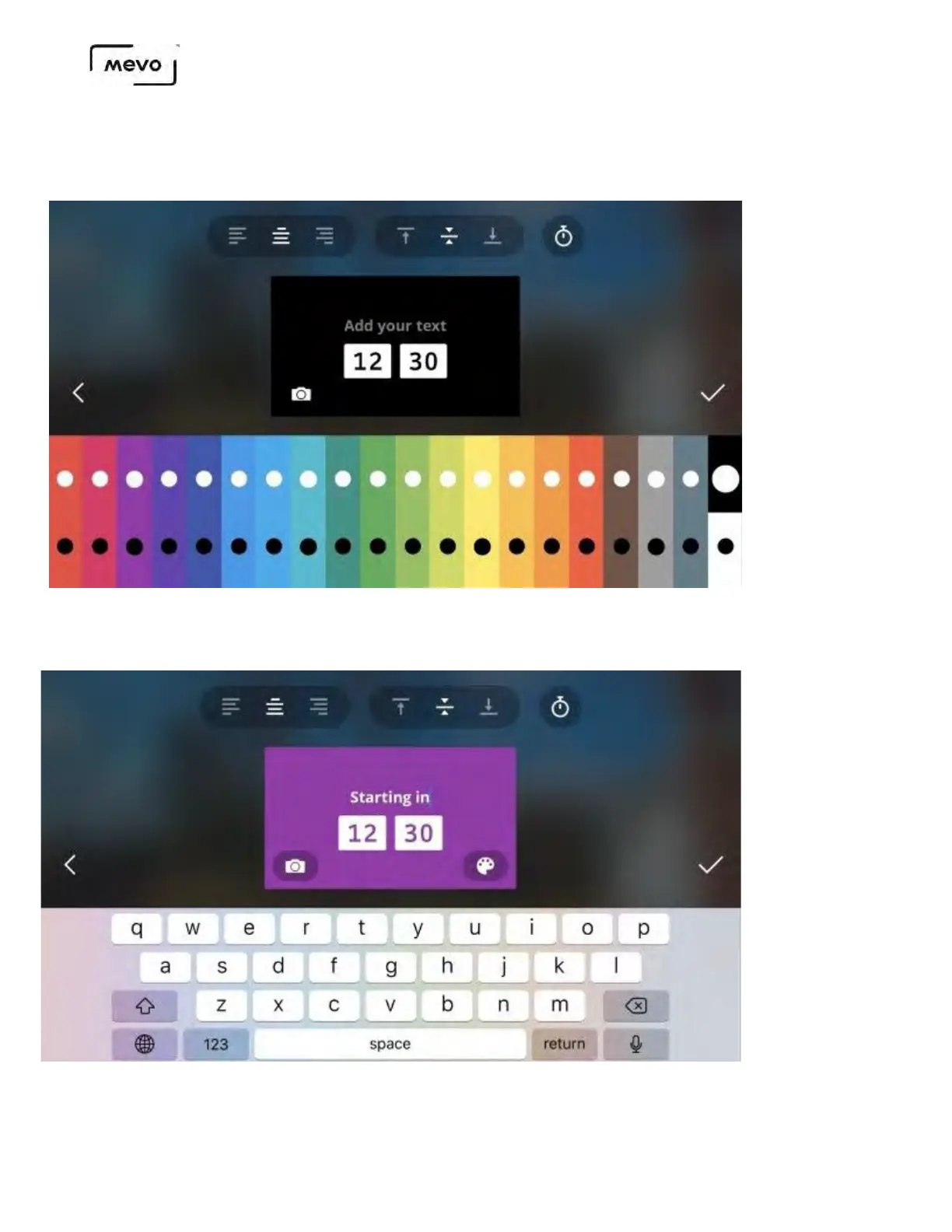
Like other graphics overlays on Mevo, you can adjust the background color, select black or white font
color, and text alignment. You can also choose to use an image instead of a background color.
Tapping the timer icon will allow you to edit your countdown.
When you've configured your countdown, tap the checkmark on the right side. You cannot edit the overlay's
appearance after doing this so be sure you are satisfied with your overlay.
Mevo Start User Manual
Page 157



 To Next Page