Record to a microSD Card
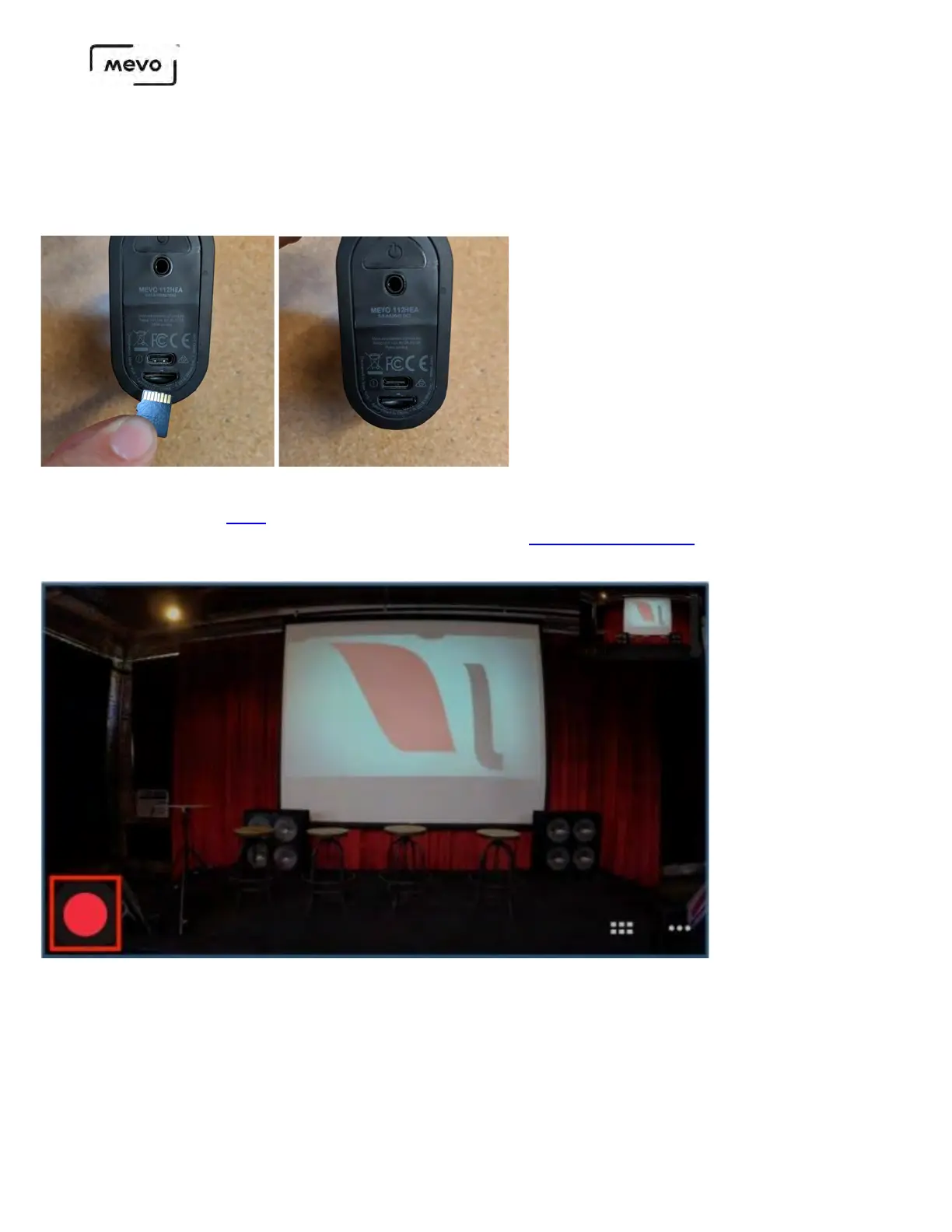
First, insert the microSD card into the slot on the back of the camera with the metal strips facing up.
Push the card all the way in; you should feel a soft click indicating it's securely inside the slot.
When your Mevo Start is on and connected to the Mevo app, you can start recording.
As a best practice, you may want to format your SD card first.
Tap the red button icon in the lower left corner of the interface.
Tap Record on the left side of the screen.
Mevo Start User Manual
Page 51



 To Next Page