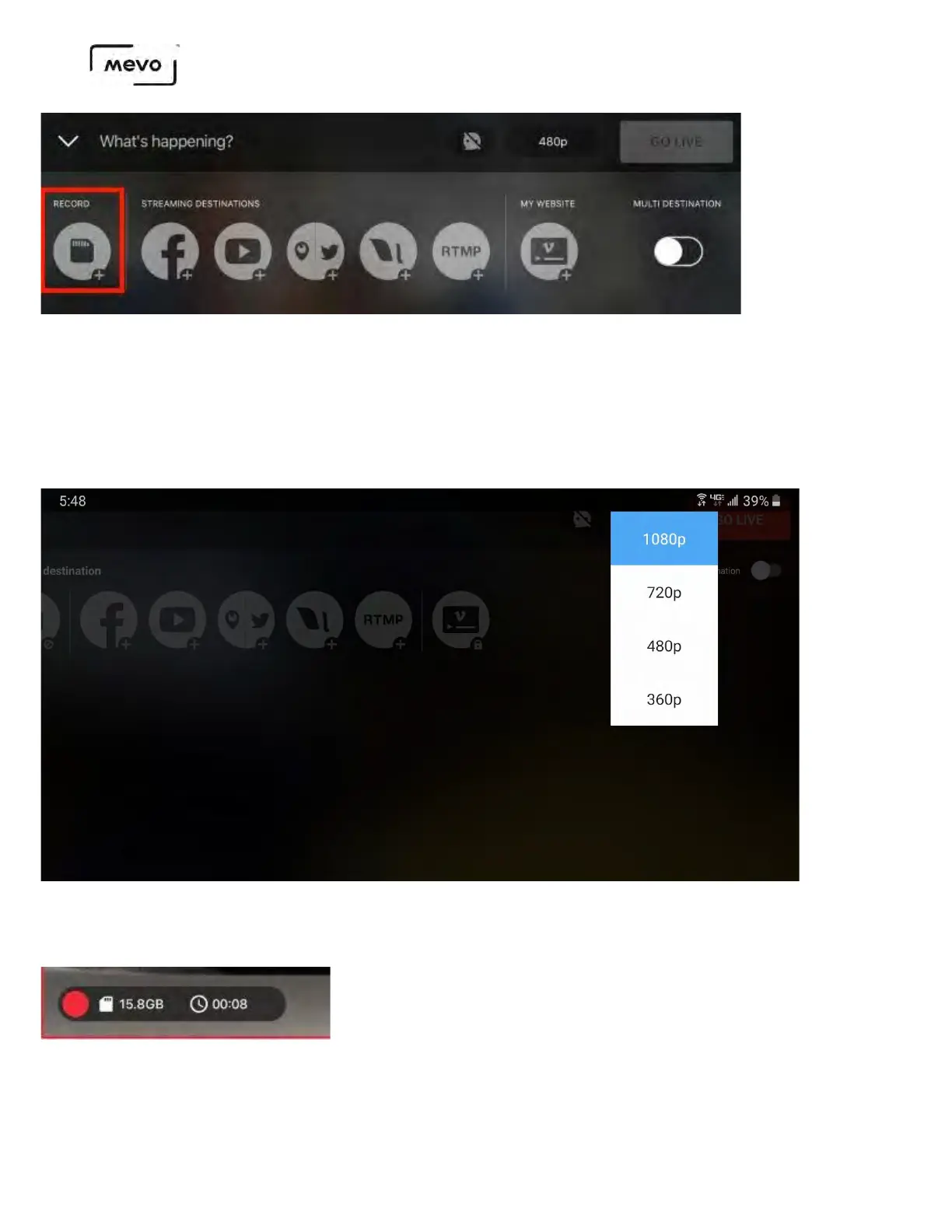
At the top of the screen, give your recording a name and select a quality. The bottom of the screen
will indicate how much space and time is left on your microSD card according to the quality you
select. The quality options for recording are:
• 720p (10Mbps)
• 1080p (20Mbps)
Tap the red Record button to start recording. When you recording begins, you will see a timer and a
space indicator in the bottom left corner.
To finish recording, tap the red circle icon in the bottom left corner of the Mevo app. Then drag the circle to
the right.
Mevo Start User Manual
Page 52



 To Next Page