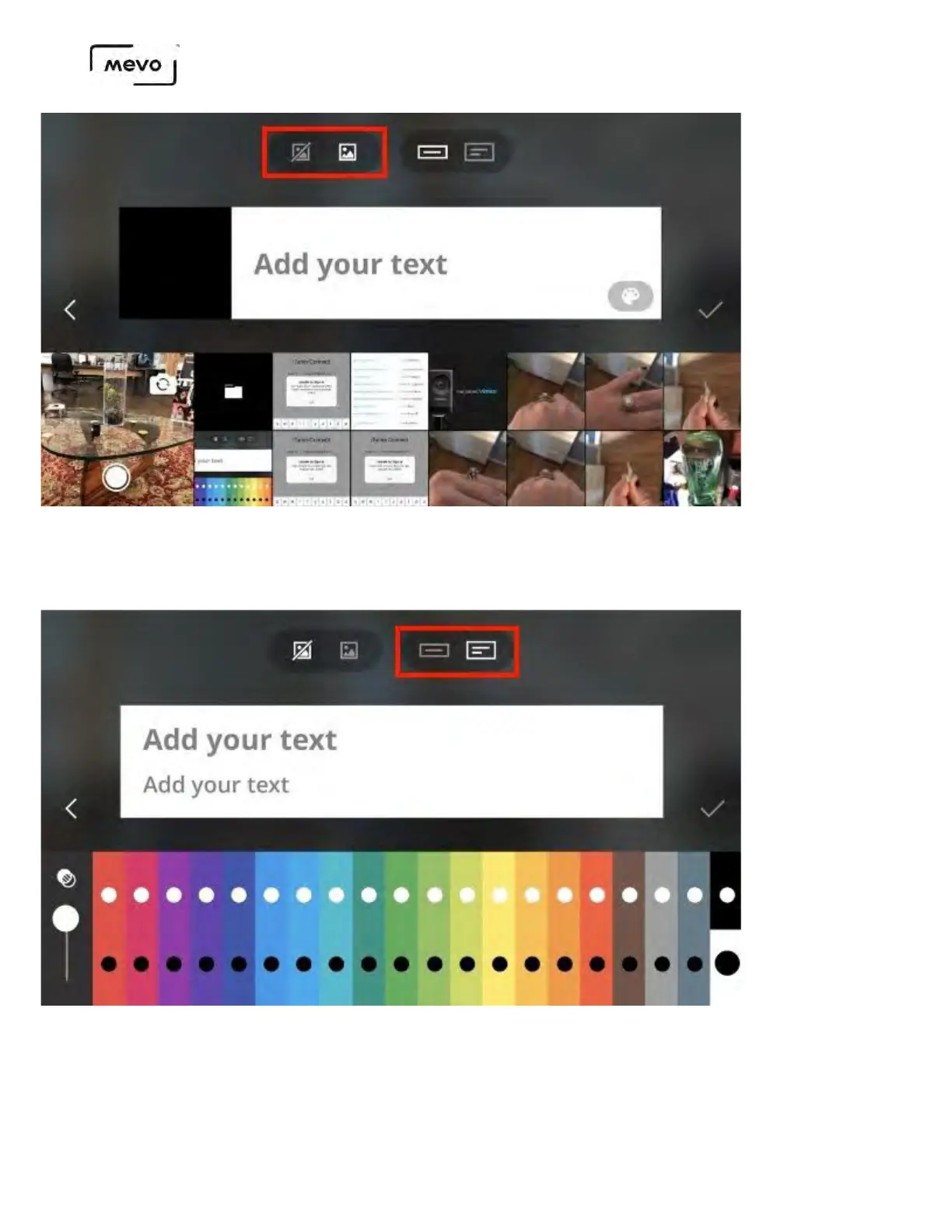
If your graphic requires two lines of text, such as a person's name and job title, tap the two-line icon at
the top of the screen.
At the bottom of the screen, you can choose between various colors for your background, and choose
either black or white text for each background. Tap the dot of the color scheme you want to use (the
default setting has black text on a white background selected).
Mevo Start User Manual
Page 128



 To Next Page